Madlitics
How it works
Integrations
Pricing
Sign in
Get started
Sign in
Get started
All articles
Madlitics articles, guides, and resources
Browse published articles from product how-tos to marketing strategy tips.
All content
Getting started
Marketing
Resources
Support
Support
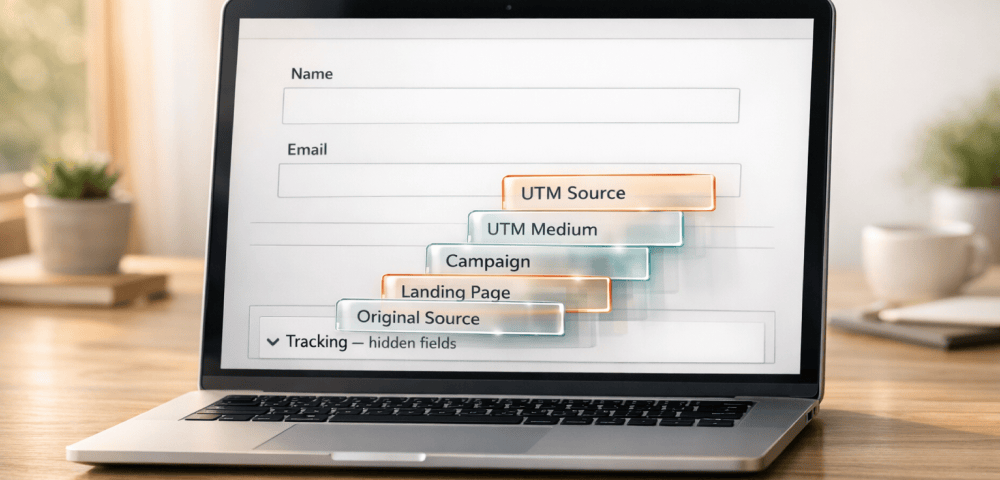
Guide to Madlitics Fields
Learn how each Madlitics Field works and how to use them to capture richer attribution data in your forms.
Support
Set up Ninja Forms to capture UTM parameters and marketing attribution
Step-by-step setup to add Madlitics fields to Ninja Forms so every response includes channel, campaign, and landing page attribution.
Support
Installing Madlitics using Google Tag Manager
How to install custom code snippets to your site using GTM
Support
Caching and data issues in Madlitics
Troubleshooting how caching may be blocking your attribution data and what to do about it
Support
Enabling MSCLKID for attribution marketing
Configure your forms to capture Microsoft's Click ID with Madlitics
Getting started
Classifying where visitor traffic comes from.
Visitor journeys are grouped into top-level marketing channels so you can see exactly how people arrive on your site.
Digital Marketing
How to Capture Google Ads Data in HubSpot
Track the source of every form submission, from campaign to keyword, so you can understand which ads are driving leads and customers.
Digital Marketing
Capturing marketing data in Hubspot with Madlitics
Fix 26% Wasted Spend – Track Channels, UTMs, Landing Pages for 365 Days & End "Direct/Unknown" Leads
Attribution Guide
Elementor Marketing Attribution: Stop Losing Lead Source Data
Madlitics enriches every Elementor submission with UTMs, click IDs, referrers, and landing page data; so you can see exactly which efforts drive results.
Digital Marketing
First-Touch vs Last-Touch Attribution: Key Differences
First-Touch vs Last-Touch Attribution: Key Differences
Support
Set up Zoho forms to capture UTM parameters and marketing attribution
Step-by-step setup to add Madlitics fields to Zoho Forms to see which channels bring in your customers.
Support
Set up Formstack to capture UTM parameters and marketing attribution
Step-by-step setup to add Madlitics fields to Formstack so every response includes channel, campaign, and landing page attribution.
Digital Marketing
How to Capture LinkedIn Ads Data in Formidable Forms
Track the source of every form submission, from campaign to keyword, so you can understand which ads are driving leads and customers.
Digital Marketing
How to Capture Google Ads Data in Formidable Forms
Track the source of every form submission, from campaign to keyword, so you can understand which ads are driving leads and customers.
Digital Marketing
How to Capture LinkedIn Ads Data in Forminator
Track the source of every form submission, from campaign to keyword, so you can understand which ads are driving leads and customers.
Digital Marketing
How to Capture Google Ads Data in Forminator
Track the source of every form submission, from campaign to keyword, so you can understand which ads are driving leads and customers.
Digital Marketing
How to capture UTM Parameters in Forminator
Turn Forminator responses into full attribution records ready for your marketing tools, and see what drives leads, not just form fills.
Digital Marketing
How to Capture LinkedIn Ads Data in WPForms
Track the source of every form submission, from campaign to keyword, so you can understand which ads are driving leads and customers.
Digital Marketing
How to Capture Google Ads Data in WPForms
Track the source of every form submission, from campaign to keyword, so you can understand which ads are driving leads and customers.
Digital Marketing
How to capture UTM Parameters in WPForms
Turn WPForms responses into full attribution records ready for your marketing tools, and see what drives leads, not just form fills.
Support
Set up ActiveCampaign to capture UTM parameters and marketing attribution
Step-by-step setup to add Madlitics fields to ActiveCampaign to see which channels bring in your customers.
Digital Marketing
How to capture UTM parameters and marketing attribution data in Fluent Forms
Turn Fluent Forms responses into full attribution records ready for your marketing tools, and see what drives leads, not just form fills.
Support
Set up Jotform to capture UTM parameters and marketing attribution
Step-by-step setup to add Madlitics fields to Jotform so every response includes channel, campaign, and landing page attribution.
Support
Set up WPForms to capture UTM parameters and marketing attribution
Step-by-step setup to add Madlitics fields to WPForms so every response includes channel, campaign, and landing page attribution.
Previous
Next
Smarter marketing starts here
See exactly what's working — and what's not.
Reading about marketing strategy is one thing. Madlitics shows you what’s actually driving leads, revenue, and growth.
Try for free
Request a Demo
Terms of service
Privacy Policy
Cookies
Security
© 2026 Madlitics