Support

Capturing data across domains and subdomains with Madlitics

Learn how Madlitics tracks visitors across multiple domains and subdomains without losing attribution data, ensuring complete marketing insights.
Start capturing attribution →
Attribution is broken
Automation icon indicating hands-free marketing attribution and data flow.
Analytics report icon, indicating data insights and reporting.
Impact measurement icon, symbolizing marketing effectiveness.
Personalization icon, representing customization features.

Madlitics tracking persists cross-subdomain attribution challenges through first-party cookies, providing seamless tracking for organizations operating within a single root domain. By resolving across subdomains (e.g., marketing, app, and blog sections), these cookies retain visitor journey data automatically, eliminating manual UTM parameter management.

Cross-domain tracking isn’t supported, as browsers block cookie sharing between unrelated domains — a security measure that protects user privacy. This limitation isn’t a drawback but a strategic advantage, ensuring your URLs stay clean, your compliance stays intact, and your reports surface only the most reliable, ecosystem-specific insights.

Track visitors across subdomains with Madlitics
Yes, Madlitics works across subdomains as long as the tracking code is installed on all of them. This is made possible by first-party cookies, which browsers allow to persist across subdomains of the same root domain. When a visitor moves between sections of your site, Madlitics retains their attribution data and writes it into hidden fields on forms—even if they convert on a different subdomain.

A typical visitor journey:
• A user discovers your product via a LinkedIn ad and lands on marketing.acme.com
• They explore pricing on a subdomain: pricing.acme.com
• They convert by signing up on your app subdomain: app.acme.com

Madlitics retains attribution data throughout this journey using first-party cookies. You gain full visibility into how visitors interact with your brand without cluttering URLs or compromising privacy.


Why cross-domain tracking isn’t possible

Cross-domain tracking is not natively supported in Madlitics due to browser security policies and restrictions on third-party cookies, which prevent automatic tracking of user activity across separate top-level domains (e.g., marketing.acme.com to cymbalgroup.com)

However, you can maintain continuity in your analytics with:
• Consistent UTM Parameters by tagging campaigns with identical UTM parameters across domains to manually connect data in your reports.
• Shared Tracking IDs by using platform-specific IDs (e.g., Google’s gclid, Microsoft’s msclkid) as common identifiers in your CRM.
Madlitics multi-channel attribution visualization, showing marketing platforms like TikTok, Instagram, Google, and Facebook. The graphic highlights how different sources contribute to high-performing marketing channels.
Screenshot of a form builder interface with a highlighted 'Hidden Input' field. Accompanied by text explaining how to install and set up Madlitics by adding hidden fields to capture marketing attribution data.
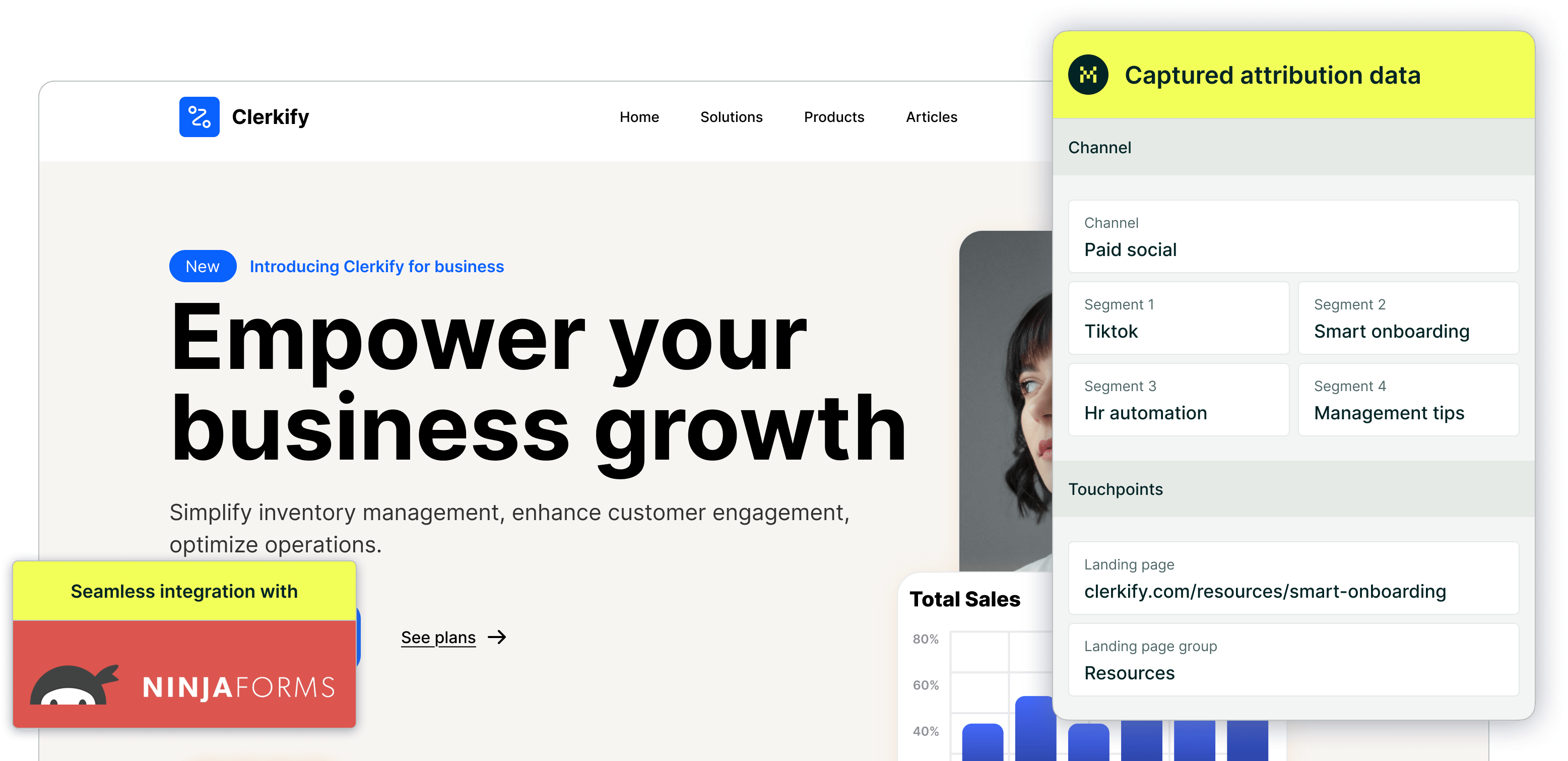
CRM interface showing a detailed view of captured attribution data, including marketing channels, segments, and landing pages. A business profile of a lead is displayed, highlighting how Madlitics enriches lead data for sales and marketing teams.
Graph showing new customer growth from TikTok, Instagram, Snapchat, and Google over time, with social media icons surrounding the chart and a callout for social revenue impact.
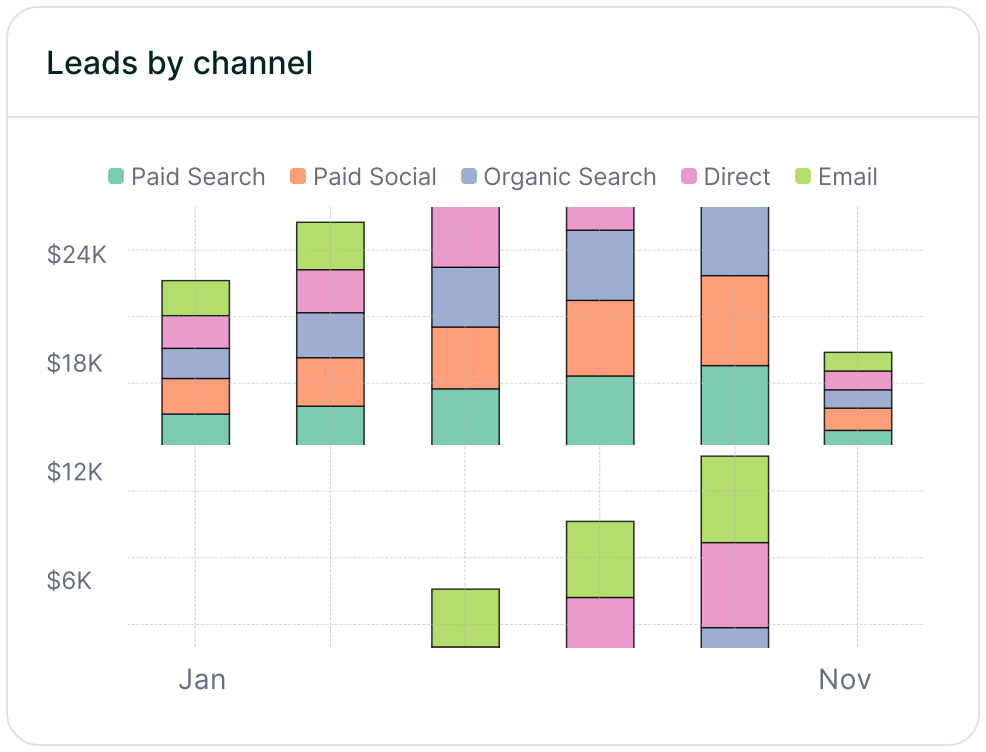
Stacked bar chart showing lead generation by marketing channel over time, comparing sources like Paid Search, Paid Social, Organic Search, Direct, and Email. Helps visualize which channels drive the most traffic.
Stacked bar chart illustrating lead volume across different marketing campaigns, including Black Friday, Retargeted, Spring Promo, Referral, and SEO. Highlights trends in campaign effectiveness.
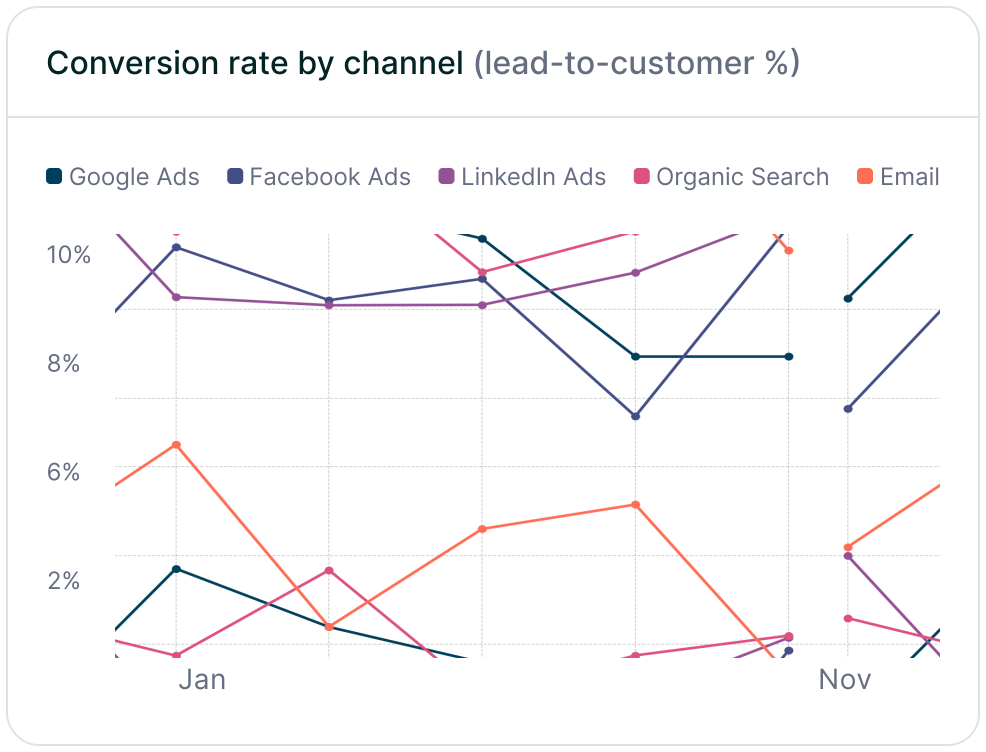
Line chart displaying lead-to-customer conversion rates by channel, comparing Google Ads, Facebook Ads, LinkedIn Ads, Organic Search, and Email. Shows how different sources drive qualified leads over time.
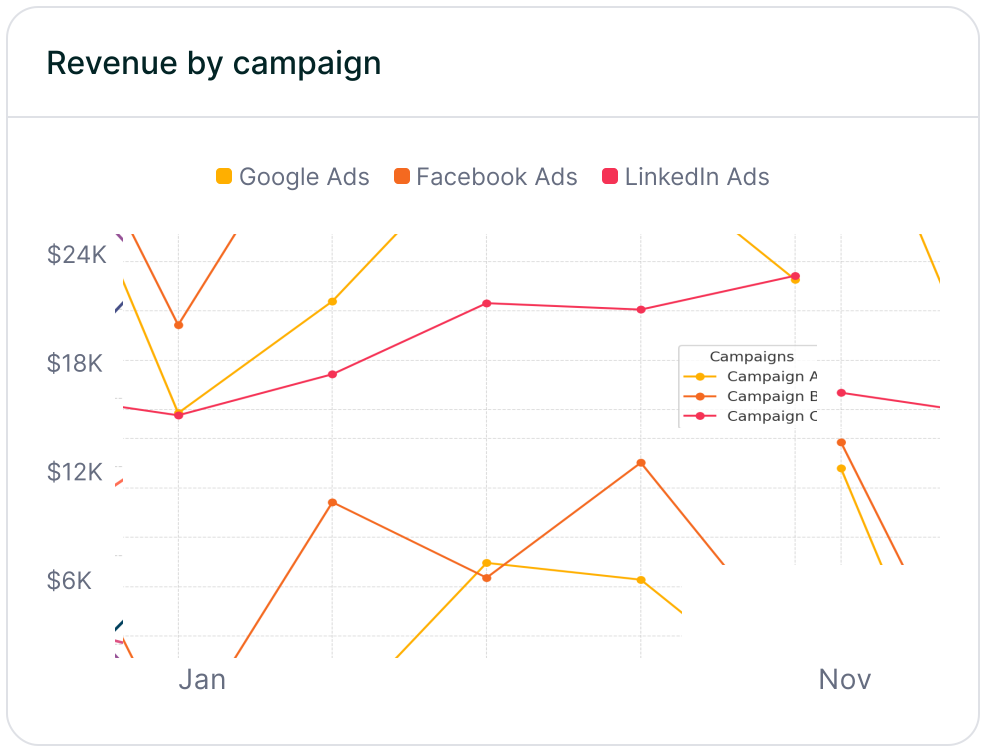
Line chart showing revenue performance by marketing campaign, comparing Google Ads, Facebook Ads, and LinkedIn Ads. Helps identify top-performing and underperforming campaigns.

Madlitics delivers clean, actionable attribution data for teams operating across subdomains—whether you’re guiding visitors from marketing.acme.com to app.acme.com or analyzing journeys through blog.acme.com. While cross-domain tracking requires manual UTM tagging, Madlitics ensures the data you send to CRMs and analytics platforms is accurate, privacy-compliant, and ready for analysis.

Start your 14-day free trial today to simplify cross-subdomain tracking. No credit card required—just instant access to data collection that adapts to your reporting needs.

Related articles to get you started with Madlitics

Frequently asked questions

Answers to your top questions about our platform

Everything you need for reliable lead attribution
Accurate, persistent, and automated tracking — so your campaigns perform at their best.
Performance icon symbolizing marketing campaign effectiveness and results tracking.
Outperforms basic UTM tracking
Madlitics captures, categorizes, and persists attribution data across sessions, giving you a complete, structured view of what’s working in your marketing. Say goodbye to losing attribution when users navigate your site, struggling with formatting inconsistencies, and ingored non-UTM traffic.
Capture icon indicating data collection from various marketing channels and sources.
Capture all traffic
Madlitics categorizes all inbound leads — whether they have UTM parameters or not — so every conversion is accounted for, and you won't miss out on Organic Search, Organic Social, and Referral traffic.
Routing icon representing the flow of marketing data and attribution pathways.
Attribution across pages and sessions
A LinkedIn ad click should be attributed correctly—even if the visitor signs up on a different page later. If someone clicks an ad, browses multiple pages, then submits a form later, Madlitics persists attribution data across sessions, ensuring your reports reflect true performance.
List icon representing structured marketing data, reports, or campaign breakdowns.
Cleaner, more reliable data
Duplicate UTMs and inconsistent formatting break reports and mislead teams. Madlitics cleans and organizes attribution data before sending it to your CRM, giving you accurate insights.
Target icon symbolizing precise audience targeting and marketing campaign focus
See which content converts
Attribution isn’t just about where visitors came from—it’s about what convinced them to convert. By capturing landing page data alongside UTM parameters, Madlitics shows you which blog posts, case studies, or pricing pages drive the most revenue, helping you scale content that works.
Action icon representing campaign execution, optimization, and engagement.
Transform form submissions into actionable insights
Madlitics connects marketing touchpoints to lead generation, ensuring every form submission is fully attributed — optimize ad spend by identifying high-ROI channels, refine messaging based on what content drives engagement, make data-driven decisions with clean, structured reports, and more.