Digital Marketing
How to capture UTM parameters and marketing attribution data in Zoho CRM
Track the source of every form submission, from campaign to keyword, so you can understand which ads are driving leads and customers.
Start a free trial
Zoho CRM makes it easy to build and launch forms, but capturing reliable marketing attribution from those submissions is still a challenge. UTM parameters are often missing, overwritten, or inconsistent, which leads to “Direct” or incomplete data in your CRM and reporting.
Madlitics solves this by ensuring every Zoho CRM submission includes accurate, persistent attribution data. It captures UTM parameters, source, medium, campaign, and landing page details as soon as a visitor arrives, then carries that data through to conversion.
In this guide, you will learn how to use Madlitics with Zoho CRM to capture complete attribution data on every form submission and send it into your CRM, marketing tools, or data warehouse. This gives you clear visibility into which channels, campaigns, and content are actually driving leads, pipeline, and revenue.
Accurate marketing attribution starts with capturing where leads come from. Madlitics works with Zoho CRM to automatically capture UTM parameters, channel data, and first-touch attribution, then writes it into every form submission for your CRM and reporting workflows.
Add UTM parameters to every marketing link you use, including paid ads, email, social, and organic search. Madlitics captures UTM parameters and marketing context automatically, then writes that data into every Zoho CRM submission so your CRM receives complete lead records.
An example of a URL with UTMs: yoursite.com/demo?utm_source=google &utm_medium=cpc l&utm_campaign=demand_gen_q1 &utm_content=crm+software

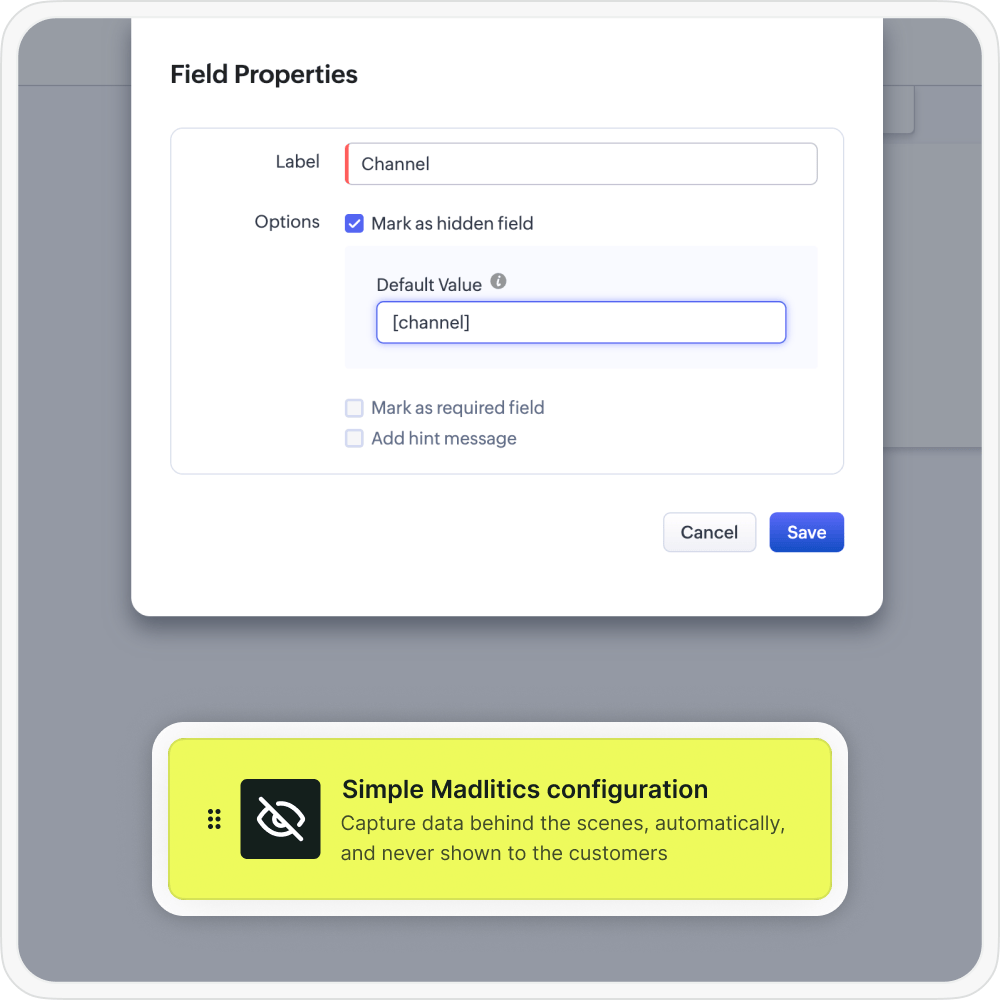
Madlitics automatically collects campaign and session data behind the scenes, then passes it into Zoho CRM fields at submission time so every lead includes complete marketing context.
When a visitor submits a Zoho CRM Webform, Madlitics automatically writes the captured UTM parameters and attribution data into the hidden fields you configured. This turns each submission into a complete record that includes both customer details and the full marketing context in one place.
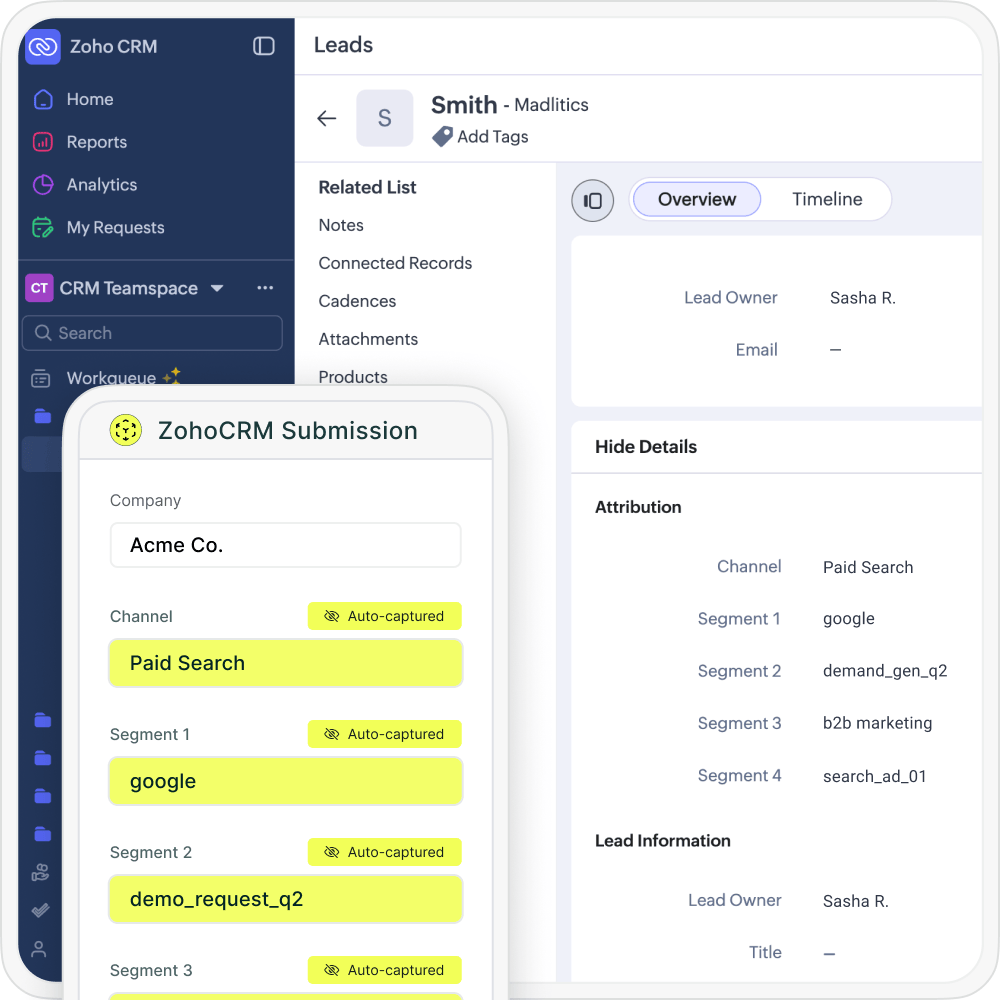

When a lead completes a submission, Zoho CRM sends customer details plus full UTM and attribution data into your CRM, marketing automation platform, spreadsheets, or BI tools just like any other lead record. With attribution connected directly to submissions, you can finally see which channels, campaigns, and pages are driving real pipeline and revenue.
When Zoho CRM Webforms send complete UTM and attribution data into your CRM, you can finally report on more than just submission counts. You can analyze which forms, traffic sources, and campaigns drive your best leads and customers, then double down on the workflows and pages that move the needle.
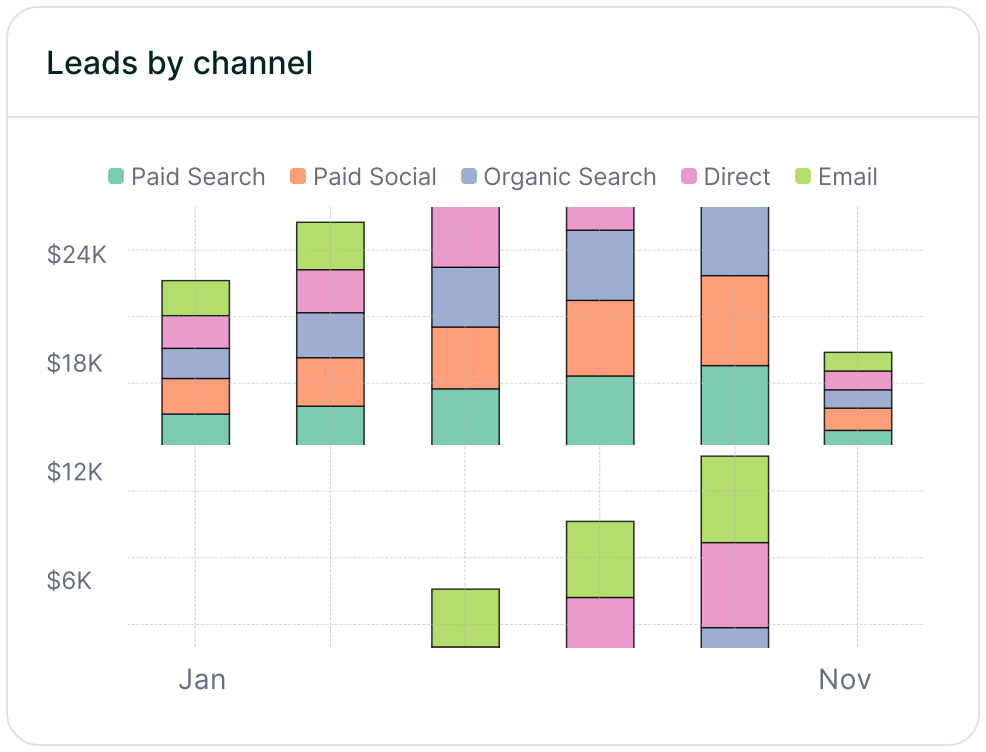
Leads by channel
Compare lead generation across Paid Search, Paid Social, Organic Search, Email, Referral, and Direct traffic. This makes it easy to see how each channel contributes to pipeline and revenue so you can prioritize the ones that perform best.
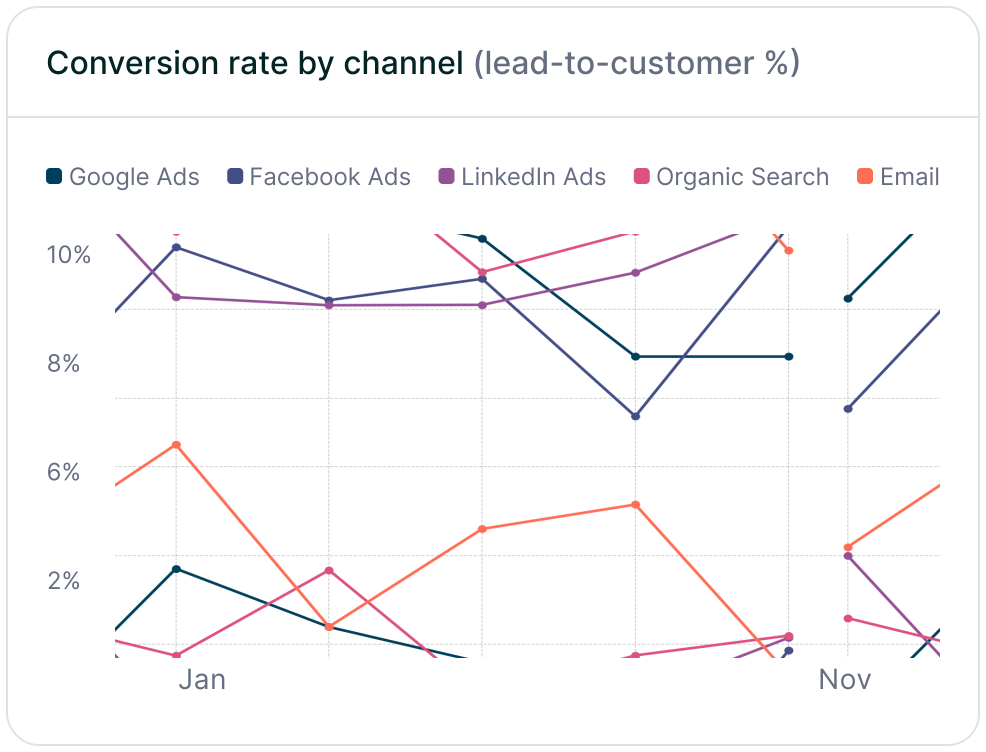
Conversion rate by channel
Measure which traffic sources convert leads into customers most effectively using the channel data captured in Zoho CRM submissions. Some channels may drive lots of form fills but low-quality leads, while others consistently produce higher-value customers and stronger revenue.
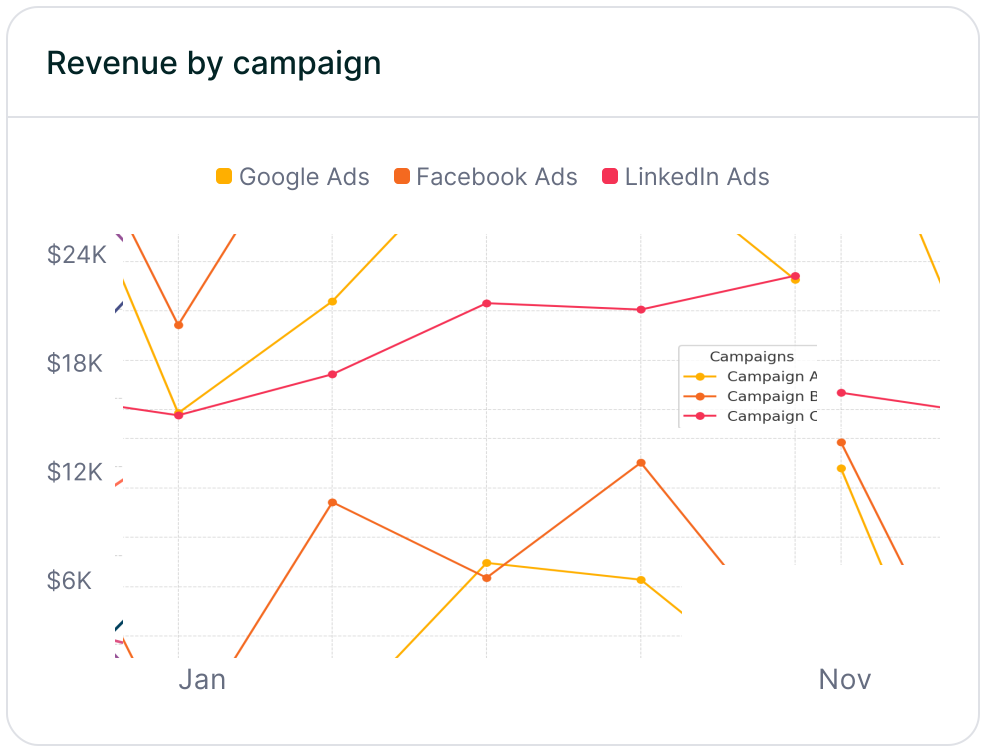
Revenue by campaign
Connect Zoho CRM attribution data to customers and revenue to see which campaigns are driving real business impact. This makes it easier to optimize budget, scale the campaigns that perform best, and reduce spend on efforts that fail to turn leads into revenue.
Zoho CRM is a fast, flexible way to capture leads across your site, from demo requests to content downloads and surveys. It fits naturally into a modern marketing stack where teams ship new forms quickly and optimize for completion rates, not just pageviews.
Madlitics adds the missing attribution layer by turning every Zoho CRM submission into a complete record with UTM parameters, channel, campaign, and landing page data tied to each lead. Instead of guessing which forms and traffic sources are working, you get clear insight into what actually drives pipeline and revenue inside your CRM and reporting tools.
Start today by connecting Madlitics to your site and Zoho CRM Webforms, then use your new attribution data to build reports, refine campaigns, and invest more confidently in what works. Sign up for a free Madlitics trial and make your Zoho CRM Webforms a reliable source of marketing attribution.
See which channels, campaigns, and content actually drive pipeline and revenue.
Turn attribution into decisions
Move beyond “Direct/Unknown” sources. Capture accurate attribution data to understand what's driving conversions, pipeline, and revenue.
Spot top channels
Break down leads by channel such as Organic, Paid Search, Paid Social, and referrals. Identify what is working and shift budget toward top performers.
Find campaigns that convert
Track performance by campaign, source, medium, and landing page. See which efforts generate qualified leads and customers, not just form fills.
Persistent attribution tracking
Keep UTM and session data attached to each lead, even if they return later or convert on a different page.
Answers to common questions about UTM tracking with Madlitics and Zoho CRM