
Capture UTM Parameters and Lead Source Data in HubSpot Forms

Madlitics preserves visitors’ original attribution and writes it into configured HubSpot forms, so channel, campaign, and landing page data reach your contact records.
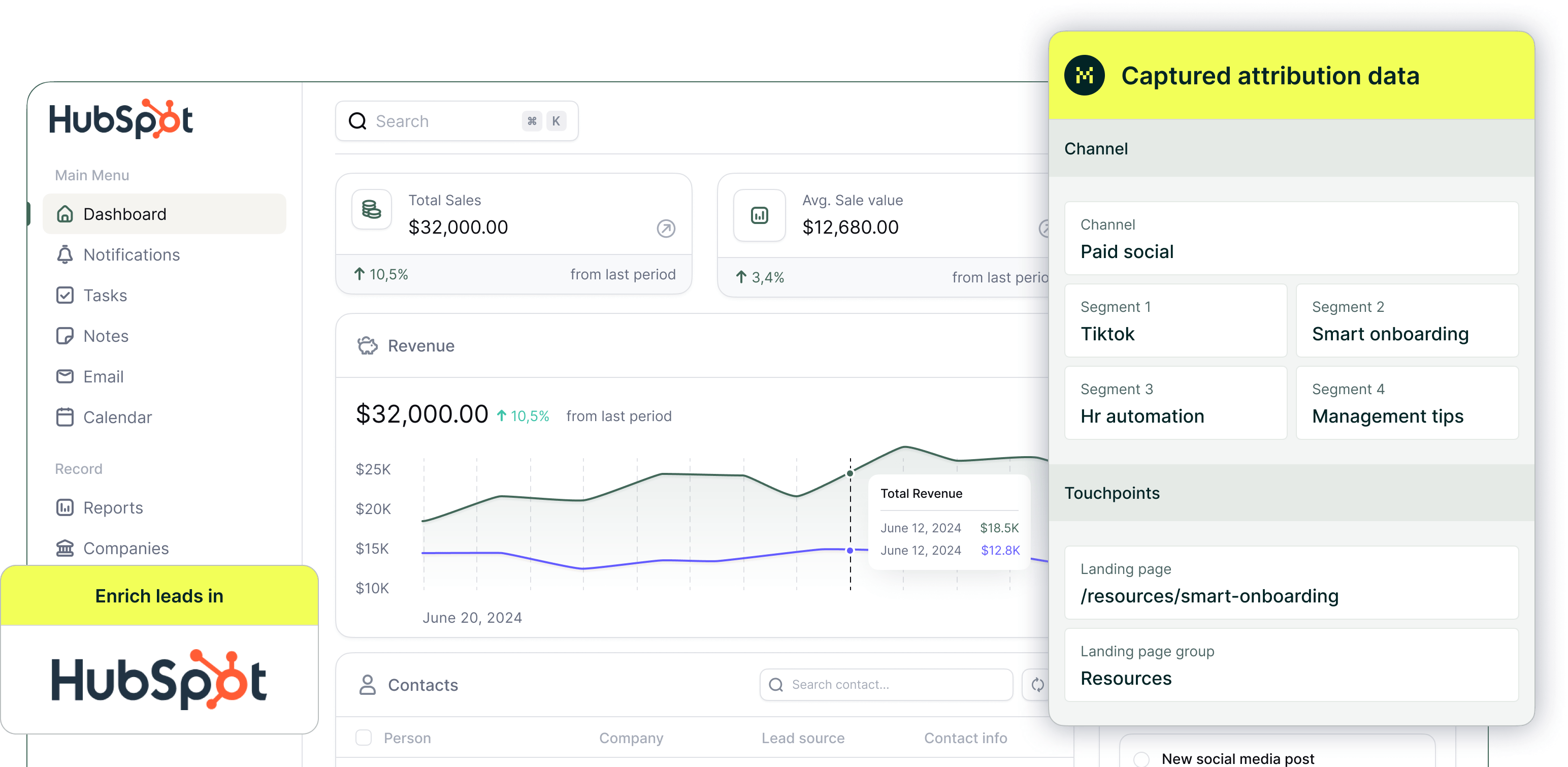
See what drives your HubSpot leads and customers

Madlitics brings original channel, campaign, and landing page data into your HubSpot contact records. Compare which marketing activities generate qualified leads, build pipeline, and bring in customers. Inside the tools you already use!
Original lead source
See the channel and source that first brought a visitor to your website.
Campaign insights
See which campaigns, audiences, and creative variations generate qualified leads.
First-touch attribution
Preserve the original marketing context as visitors browse and return before submitting.
Landing page insights
Compare which original landing pages and content groups bring in leads and customers.
Enriched HubSpot contacts
Keep attribution alongside contact details for segmentation, workflows, and reporting.
Pipeline and revenue reporting
Connect campaign data with customer and deal outcomes to guide your marketing investment.

How Madlitics works with HubSpot forms

Seamlessly integrating with your existing setup, Madlitics captures and organizes attribution data automatically. A few easy steps, and your marketing insights are ready to go.
1.
Install Madlitics on your website

Add your Madlitics snippet to the website where visitors arrive and browse before completing a form. For HubSpot forms embedded on another platform, install the snippet on that external website.
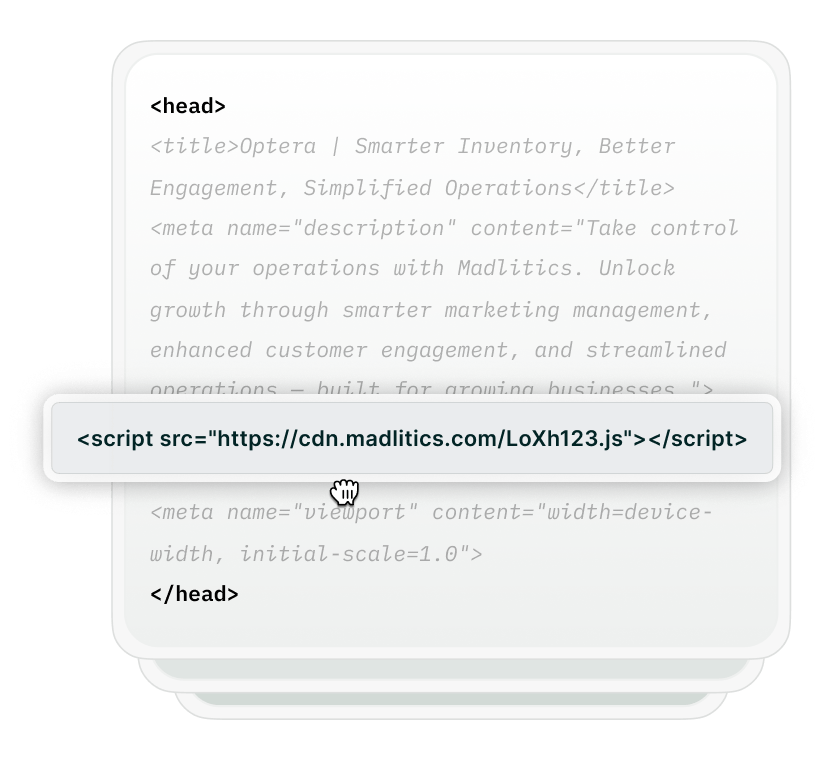
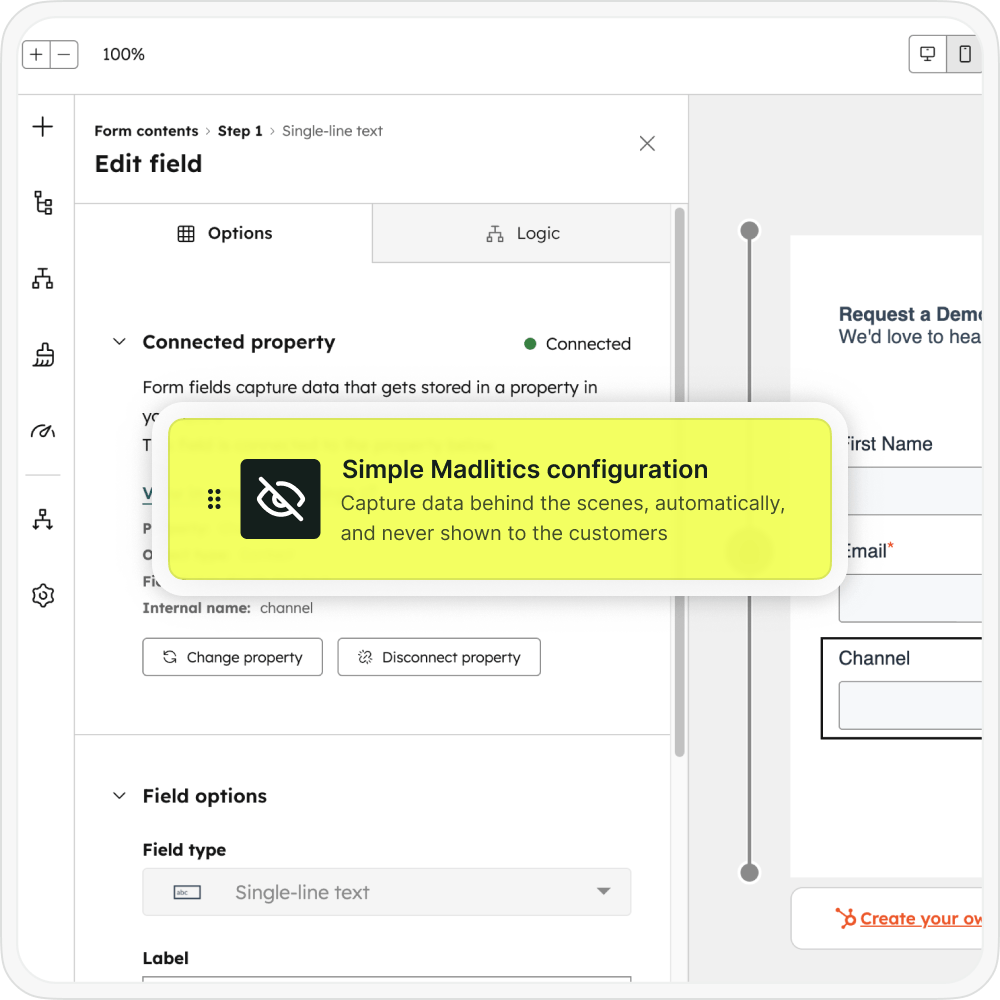
Installing Madlitics on your Website
Set up Madlitics
configure forms
2.

Configure your attribution fields

Create the seven Madlitics contact properties and add their connected fields to your HubSpot forms. Configure the hidden fields and default values using the setup guide.
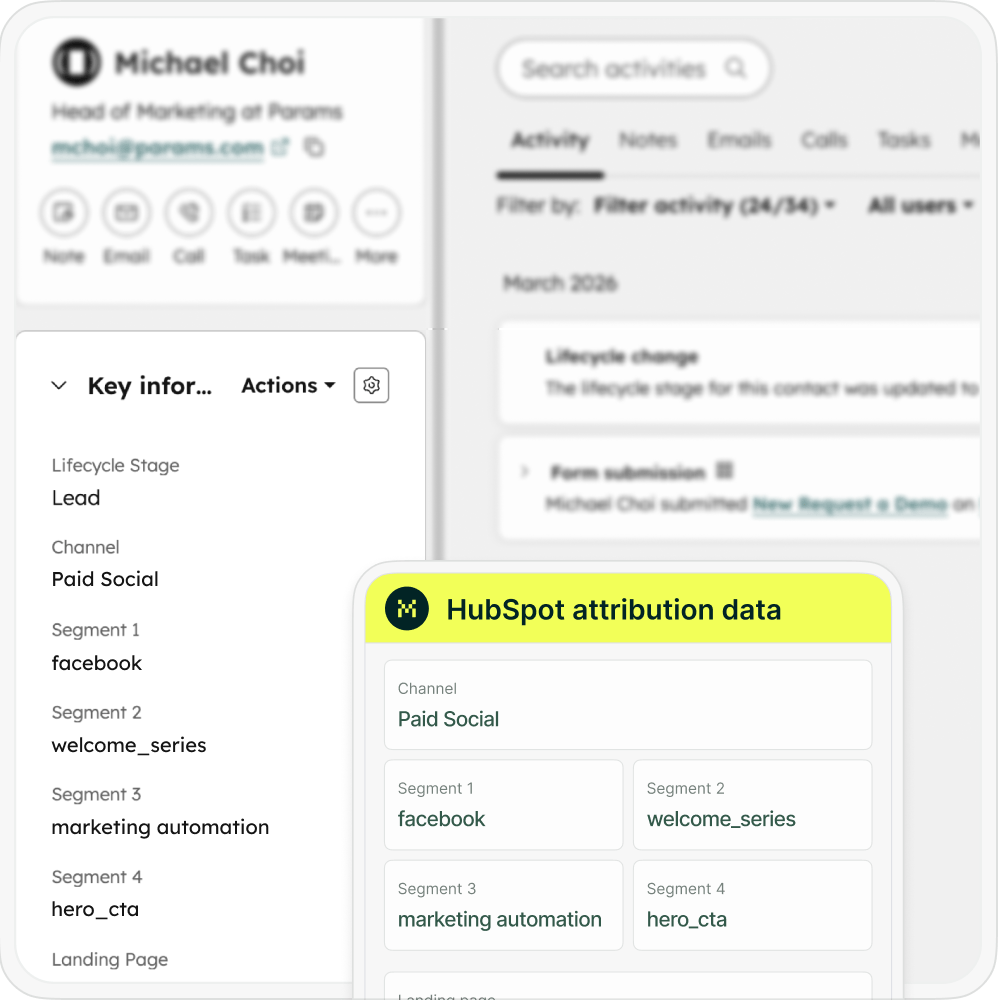
Set up HubSpot forms for attribution
3.
Receive enriched submissions
When a visitor submits a configured form, Madlitics populates the attribution fields with the original channel, campaign segments, and landing page data available for that visitor. HubSpot receives those values alongside the contact details.
Explore HubSpot UTM tracking and reporting
Captured data syncs with reporting tools
Reporting with Madlitics Img
4.
Report attribution across your stack
Send captured attribution into your existing CRMs, analytics tools, and automation workflows through configured integrations. Use channel, campaign, and landing page data alongside customer and revenue records to see which marketing efforts drive results.

HubSpot attribution guides

Configure webforms, capture campaign data, and connect original lead sources to reporting in your CRM.
Configure hidden attribution fields and verify your contact properties.
Preserve original campaign data and use it in your reporting.
Connect website leads with their original Google Ads campaign context.
Bring Facebook and Instagram campaign attribution into HubSpot.
Preserve LinkedIn campaign details through website form submissions.

Choose your HubSpot attribution setup

Send captured attribution through your configured integrations and map it to the fields your destination needs.
Illustration of Madlitics capturing attribution data from a native form interface.
Embedded HubSpot forms
Enrich HubSpot forms embedded on WordPress, Webflow, Framer, or another website. Madlitics populates configured hidden fields with attribution that flows into connected contact properties.
Illustration of Madlitics integrating with third-party form tools.
HubSpot-hosted websites and pages
Install Madlitics on your HubSpot-hosted website, then configure your forms to pass original channel, campaign, and landing page data into contact properties.
llustration of Madlitics enabling attribution tracking on a fully custom lead form.
External forms connected to HubSpot
Using Gravity Forms, WPForms, Typeform, or another supported form builder? Configure its Madlitics fields, then map them to HubSpot contact properties through the form’s integration or API connection.

Frequently asked questions

Answers about capturing UTMs and lead source data.

Built for real teams. Backed by real results.

Madlitics is trusted by marketers across industries to help reduce wasted spend and drive smarter growth.