Digital Marketing
How to capture Google Ads data in Fluent Forms
Capture original Google Ads campaign details alongside contact information in Fluent Forms, then connect campaigns with customers and revenue.

Connecting Google Ads campaign data with Fluent Forms submissions helps you see which campaigns bring people to your business, and what happens after they become leads.
Madlitics captures available original campaign details, landing page data, and supported click IDs, preserving that context as visitors browse and return. It writes the captured values into configured Fluent Forms fields alongside the visitor’s contact information.
Map those fields into your CRM to compare campaign performance through qualified leads, customers, and revenue.
Google Ads traffic metrics show which campaigns attract visitors. Connecting those campaigns with lead and customer records shows which ones contribute to business growth.
The illustrative figures below show how campaign performance changes when you include customer outcomes.
Google Ads Campaign Performance Based on Traffic Metrics
Display Retargeting brings the most visitors at the lowest cost per visit. Customer and revenue data adds another perspective.
Google Ads Campaign Performance Connected to Leads, Customers, and Revenue
The Attribution Tool campaign generates 17 customers and $126,000 from 121 leads, compared with three customers and $11,000 from Display Retargeting’s 201 leads.
Connecting original campaign attribution with CRM outcomes makes that difference visible, helping you evaluate campaigns by the customers and revenue they generate.
Bring original campaign context into your lead records.
Install Madlitics across your WordPress site so it can capture available attribution when visitors arrive from your Google Ads campaigns, including on landing pages without a form.
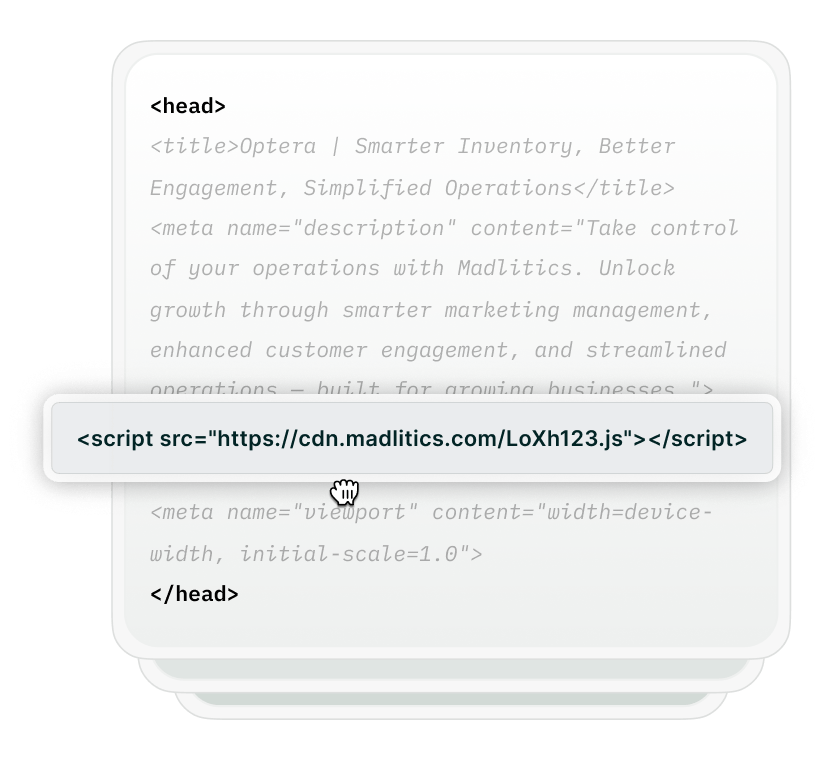

Tag your campaign links with consistent source, medium, and campaign values. Use term and content to carry the additional detail you want to report on.
For example: https://www.yourwebsite.com/demo?utm_source=google&utm_medium=cpc&utm_campaign=demand_gen_q1&utm_term=crm_software_ad_group&utm_content=creative_a
In this example, utm_campaign identifies the campaign, utm_term identifies the ad group, and utm_content identifies the creative variation.
Add hidden fields for channel, Segments 1–4, original landing page URL, and landing page group. Add corresponding fields for supported click IDs you want to capture.
Madlitics populates the configured fields with available saved attribution, which Fluent Forms records alongside the visitor’s contact details.


Map the captured fields into matching CRM properties through an available Fluent Forms integration, webhook, or automation.
As those leads progress, use their original campaign attribution alongside lead stages, customer records, and revenue to compare Google Ads performance. Include campaign spend separately when calculating return on ad spend.
segment1utm_source, such as google.segment2utm_campaign.segment3utm_term, such as the ad group in this guide’s example.segment4utm_content, such as the creative variation.channellplpgClick IDsgclid, when present and corresponding fields are configured.Connect Google Ads attribution with lead and customer outcomes.
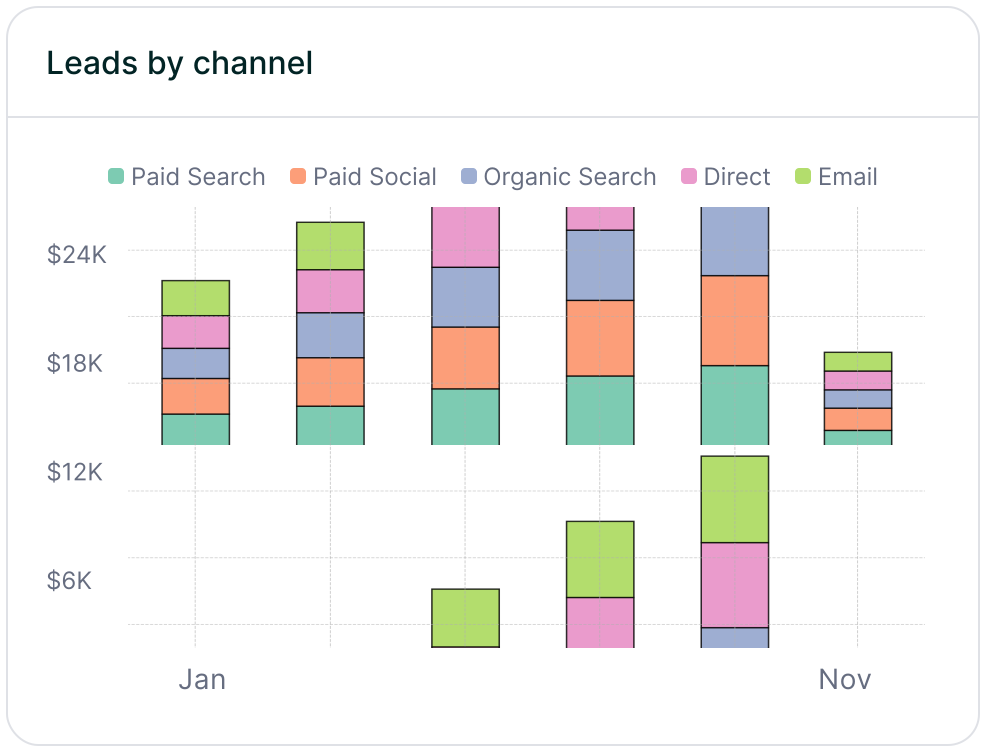
Leads by channel
Compare Google Ads lead generation with other captured marketing channels.
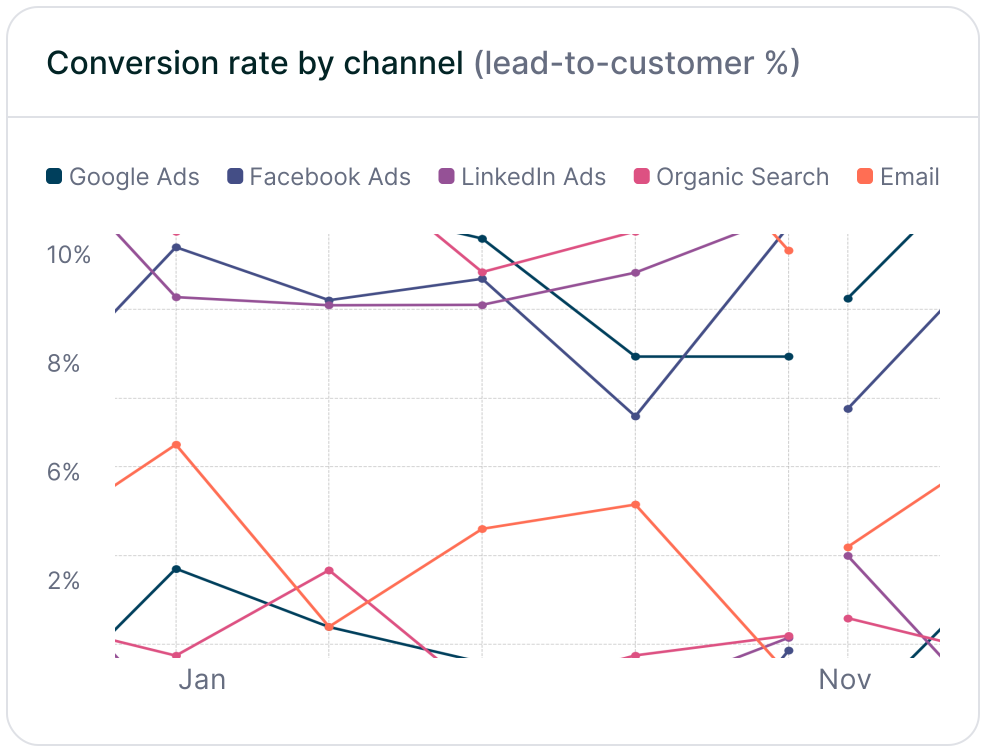
Conversion rate by channel
Use customer records to compare how often leads from each channel become customers.
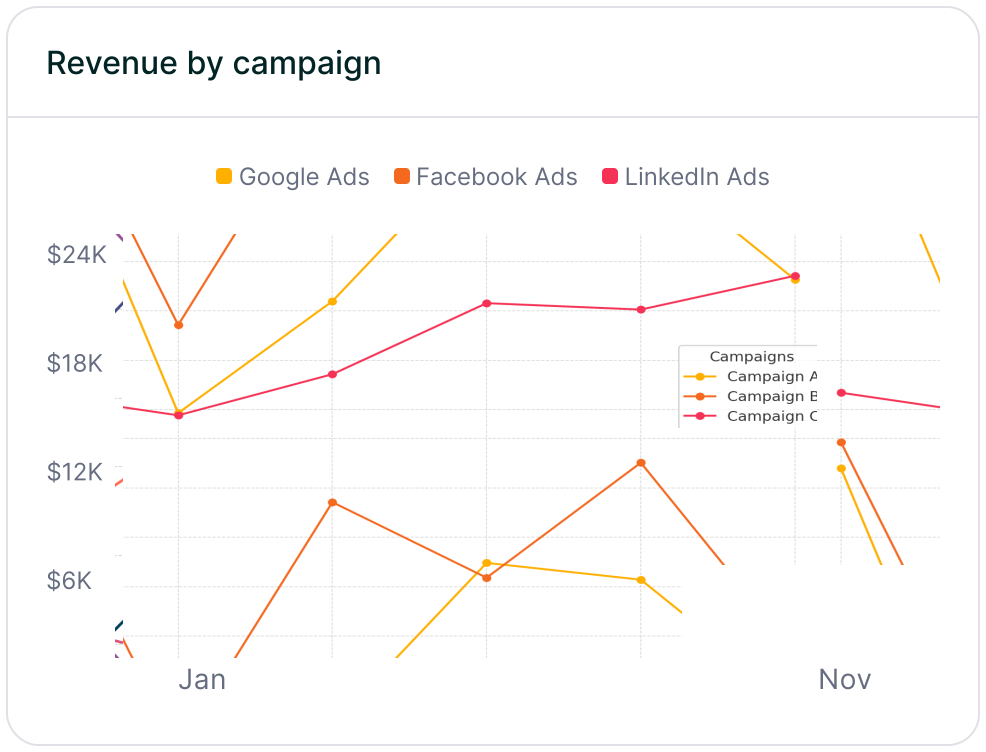
Revenue by campaign
Combine captured Google Ads campaign values with revenue records to identify the campaigns contributing to growth.
Madlitics brings available original Google Ads campaign details, landing page data, and configured click IDs into Fluent Forms submissions. View that context alongside contact information, then map it into your CRM to connect campaigns with qualified leads, customers, and revenue.
See which campaigns drive real business results.
Capture campaign details
Record the source, campaign, and additional details supplied through your Google Ads tracking parameters.
Preserve first-touch attribution
Retain original campaign context as visitors browse and return, while the saved attribution remains available in their browser.
Landing page insights
Capture the original landing page URL and group to compare the entry pages associated with leads and customers.
Capture available click IDs
Include supported Google click IDs, such as gclid, when present and corresponding fields are configured.
Answers about Google Ads attribution in Fluent Forms