Digital Marketing
How to capture UTM parameters and marketing attribution data in Zoho Forms
Capture original campaign details and landing page data alongside form responses to connect marketing activity with leads, customers, and revenue.
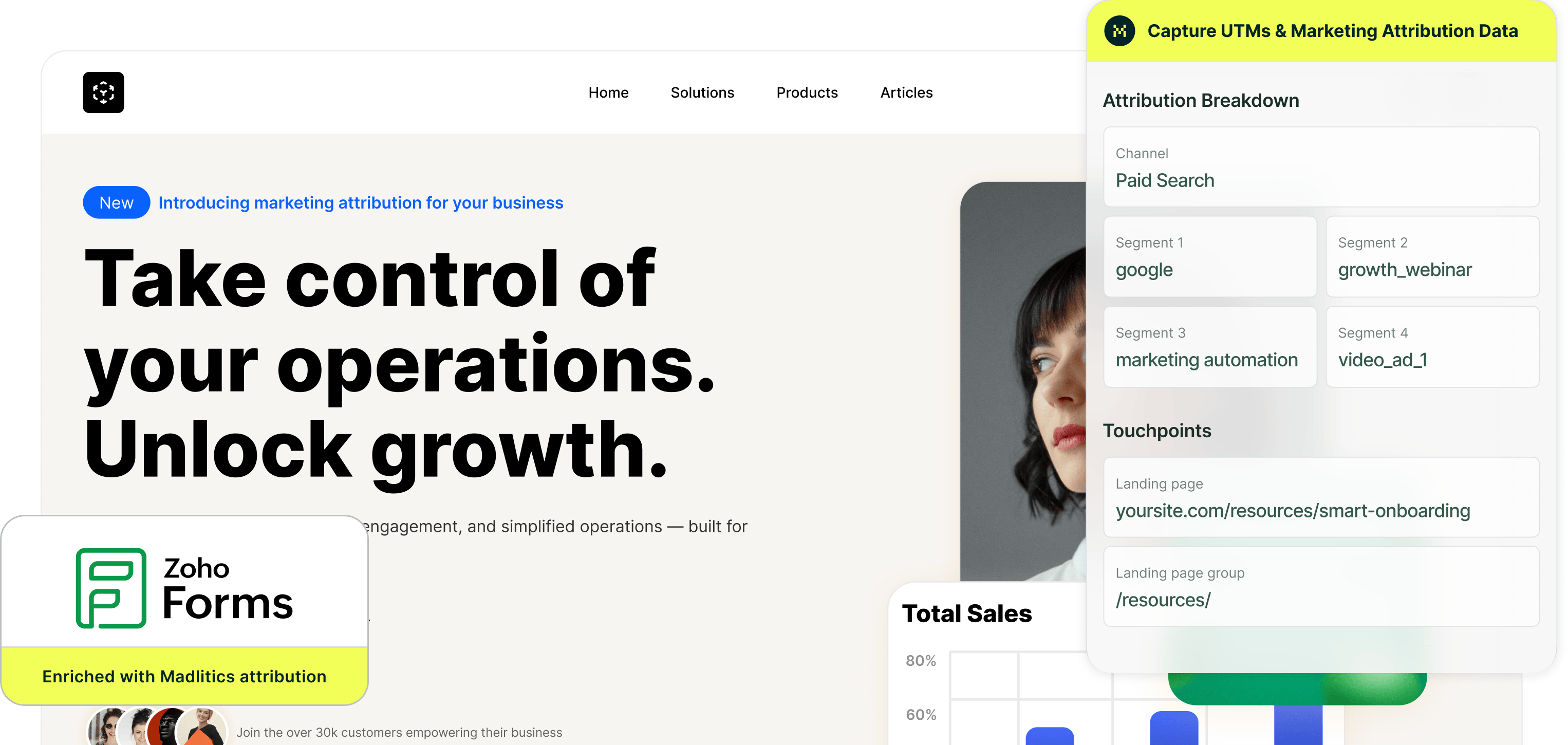
Zoho Forms supports native UTM tracking, including an Advanced Tracking option that stores campaign parameters in cookies and identifies sources using gclid and referrer information.
Madlitics provides a consistent first-touch attribution structure across your supported forms. It captures the original marketing channel, campaign segments, and landing page data, then passes those values into your configured Zoho Forms fields.
Send the captured fields into your CRM and reporting tools to compare which channels, campaigns, and entry pages generate qualified leads, customers, and revenue.
Explore the Madlitics Zoho Forms integration for an overview of captured attribution data and connected reporting.
Capture campaign context on your website and include it alongside each configured form entry.
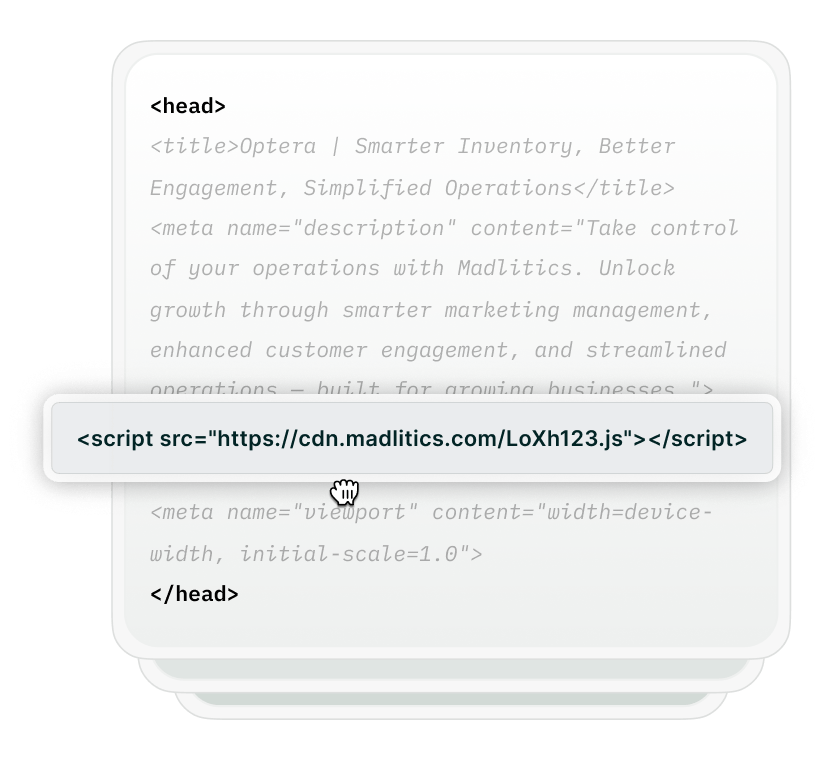
Add Madlitics to the website where your Zoho form is embedded. It captures the visitor’s original attribution and preserves it as they browse, keeping the data available when they reach your form.

Tag links from paid ads, email campaigns, social posts, and partner promotions. Use consistent source, medium, campaign, term, and content values to identify the marketing activity behind each lead.
For example: https://www.yourwebsite.com/demo?utm_source=newsletter&utm_medium=email&utm_campaign=product-launch&utm_content=hero-button
Madlitics uses the medium alongside other available signals to classify the channel. Source, campaign, term, and content values are captured in the four campaign segments.
Add seven Single Line fields to your form and hide them from respondents. Assign their matching field aliases: channel, segment1, segment2, segment3, segment4, lp, and lpg.
Follow the Zoho Forms setup guide to configure the aliases and embed your form. Each configured entry can then include the original channel, campaign segments, landing page URL, and landing page group alongside the respondent’s details.


Use your Zoho Forms integration, webhook, or automation workflow to send the captured fields into your CRM, spreadsheet, or reporting platform.
Map attribution to the appropriate lead or contact properties, then combine it with qualification, customer, and revenue data to compare marketing outcomes.
Connect captured attribution with lead, customer, and revenue data in your existing tools.
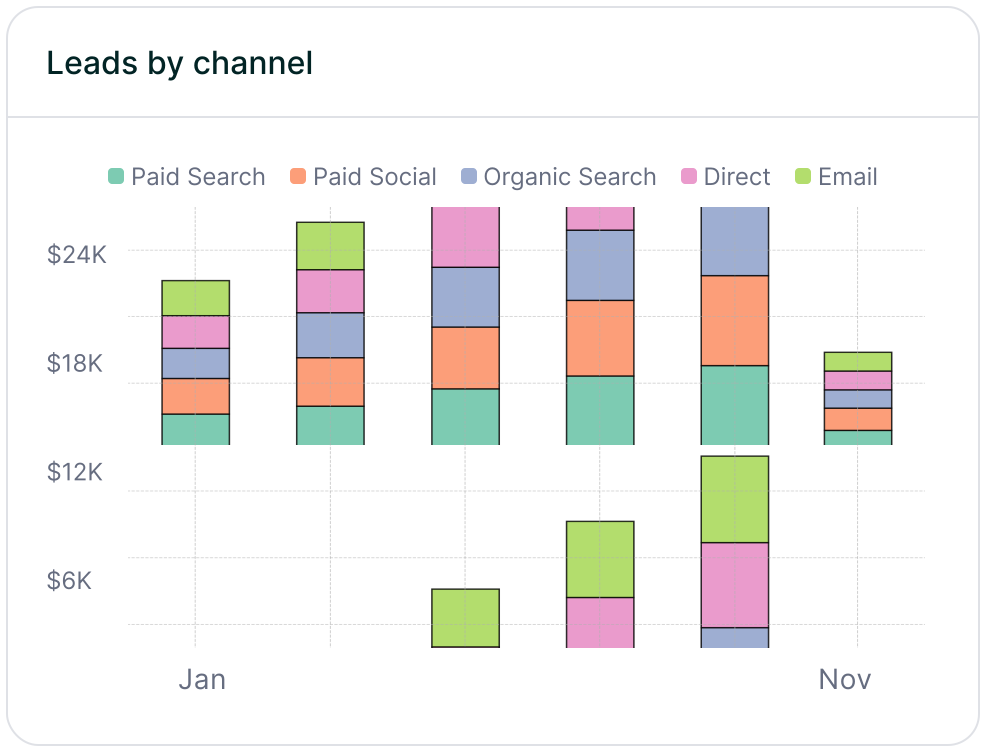
Leads by channel
Compare lead generation across Paid Search, Paid Social, Organic Search, Email, Referral, and Direct.
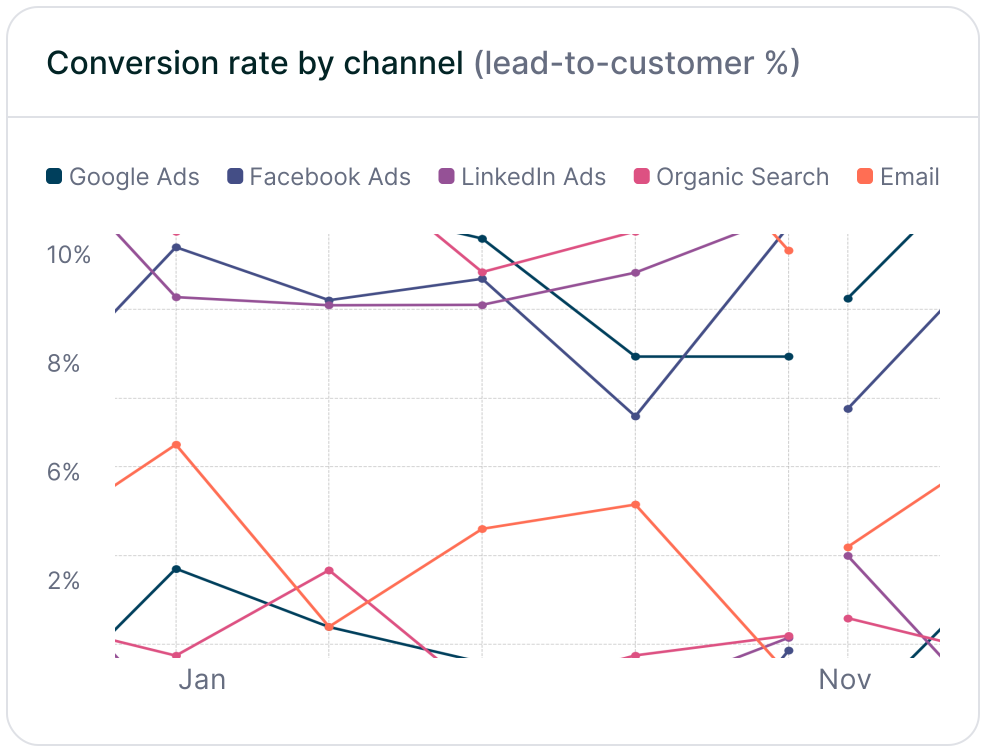
Conversion rate by channel
Compare the percentage of leads that become customers across acquisition channels.
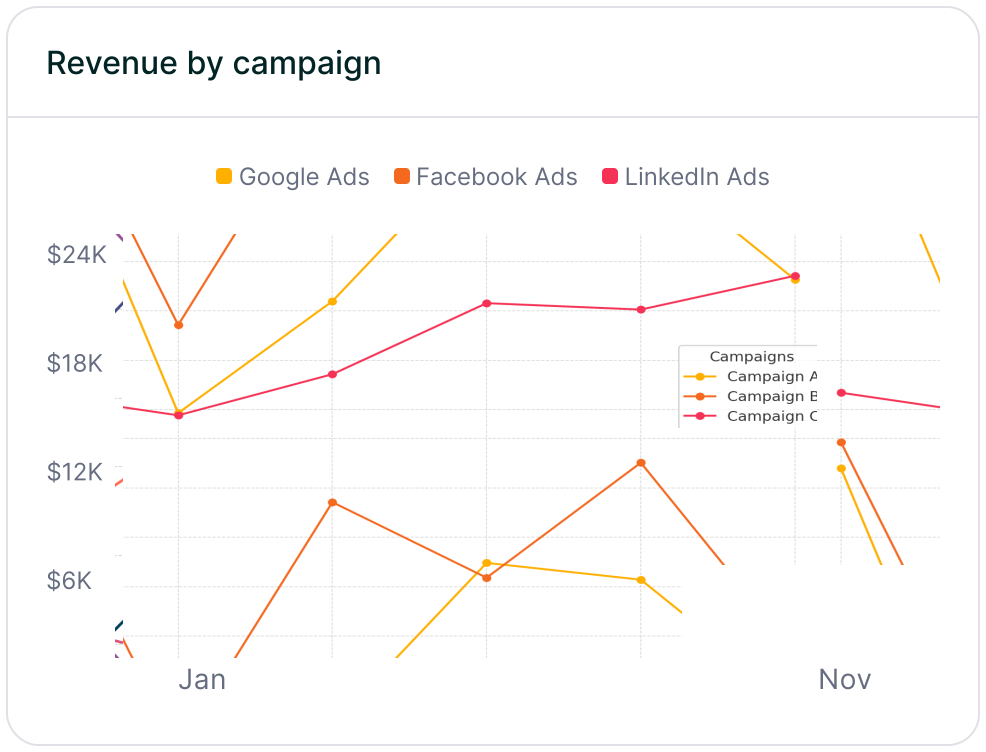
Revenue by campaign
Identify which campaigns generate customer revenue in your CRM.
Madlitics captures original channel, campaign, and landing page data in your configured Zoho Forms entries. Send those fields into your CRM to understand which marketing efforts generate qualified leads, customers, and revenue.
Follow the Zoho Forms setup guide to configure your fields, assign their aliases, and embed your form.
Keep original marketing context alongside your form entries for clearer reporting.
Original campaign details
Capture tagged source, campaign, term, and content values alongside each response.
Consistent attribution fields
Use the same channel, campaign segment, and landing page structure across your supported forms.
Persistent first-touch attribution
Preserve original attribution as visitors browse and return, while their attribution cookie remains available.
Sources beyond UTMs
Identify organic search, organic social, and referral sources using available referrer information.
Answers about capturing UTM parameters and marketing attribution in Zoho Forms.