
Digital Marketing
How to Capture Meta Ads Data in Typeform
Capture Facebook and Instagram campaign details in Typeform responses and connect leads to customer and revenue outcomes in your CRM.
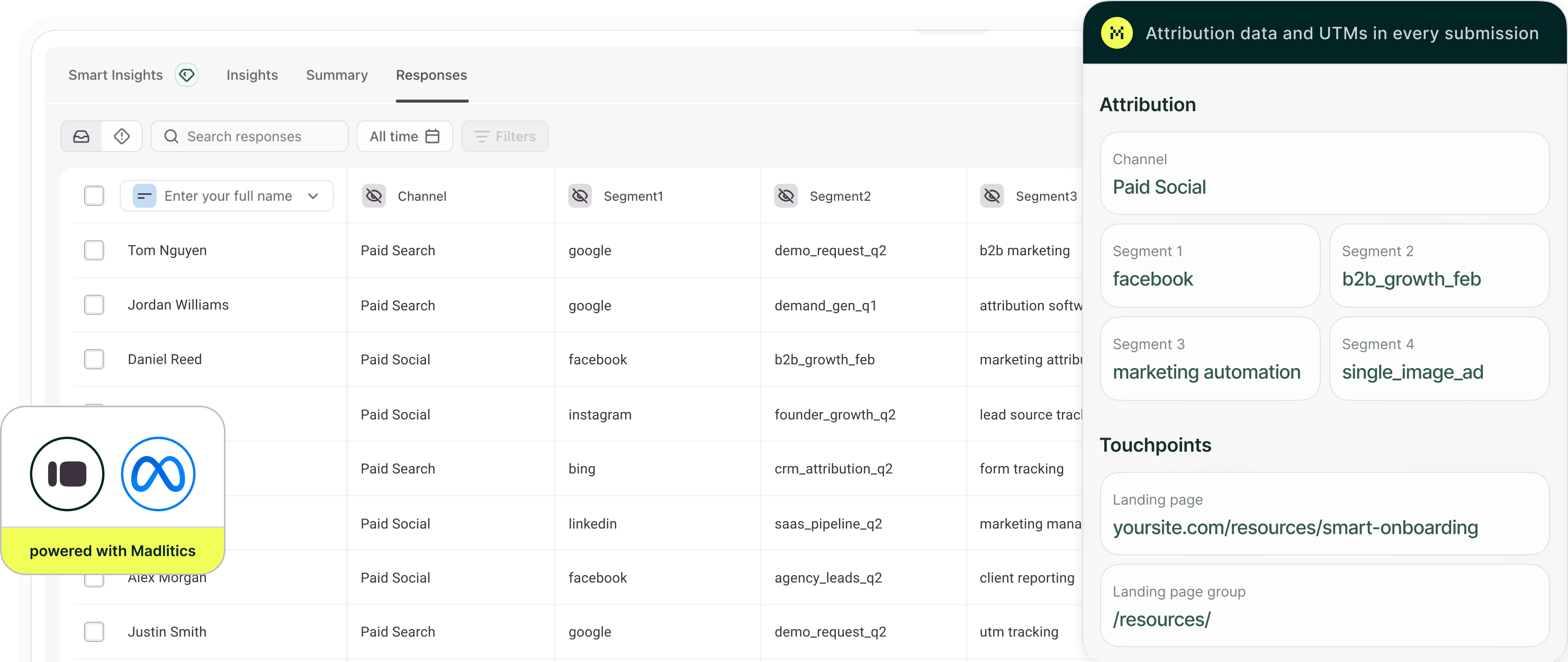
Which Facebook and Instagram campaigns generate Typeform leads that become customers? Capturing campaign and creative details alongside each response helps you connect Meta Ads activity to results in your CRM.
Madlitics captures the original campaign information when visitors arrive on your website and passes it into your configured, embedded Typeform. Include campaign, ad set, or creative identifiers in your tracking URLs, then map the captured fields into your CRM to compare lead quality, customers, and revenue.
Clicks and lead counts only tell part of the story. Connecting Typeform leads to customer and revenue outcomes helps you compare campaigns beyond traffic volume.
This example shows how the same campaigns compare using traffic metrics versus business results.
Meta Ads Campaign Performance Based on Traffic Metrics
Based on traffic alone, the Awareness campaign looks strongest: it attracts the most visitors at the lowest cost per visit. Adding customer and revenue data changes the picture.
Meta Ads Campaign Performance Connected to Leads, Customers, and Revenue
The Retargeting campaign generated fewer visitors and leads than Awareness, but produced 17 customers and $126,000 in revenue, compared with 3 customers and $11,000.
That works out to approximately $153 in ad spend per customer versus $1,300 for Awareness.
Capturing campaign details in Typeform and mapping them into your CRM gives you the attribution needed to make these comparisons. Consider audience size and prior engagement when deciding how to allocate budget between prospecting and retargeting.
Understanding Meta Ads performance all the way through to customers and revenue starts with preserving attribution data from the first click through the final conversion. Madlitics works alongside Typeform to capture paid and organic attribution data, write it into form submissions automatically, and pass it into your existing marketing and sales workflows.
Add UTM parameters to the website links in your Facebook and Instagram ads.
https://yoursite.com/demo?utm_source=facebook&utm_medium=paid_social&utm_campaign=lead_gen_q1&utm_term=small_business&utm_content=video_ad_1
Here, utm_campaign identifies the campaign, utm_term labels the audience or ad set, and utm_content identifies the creative.

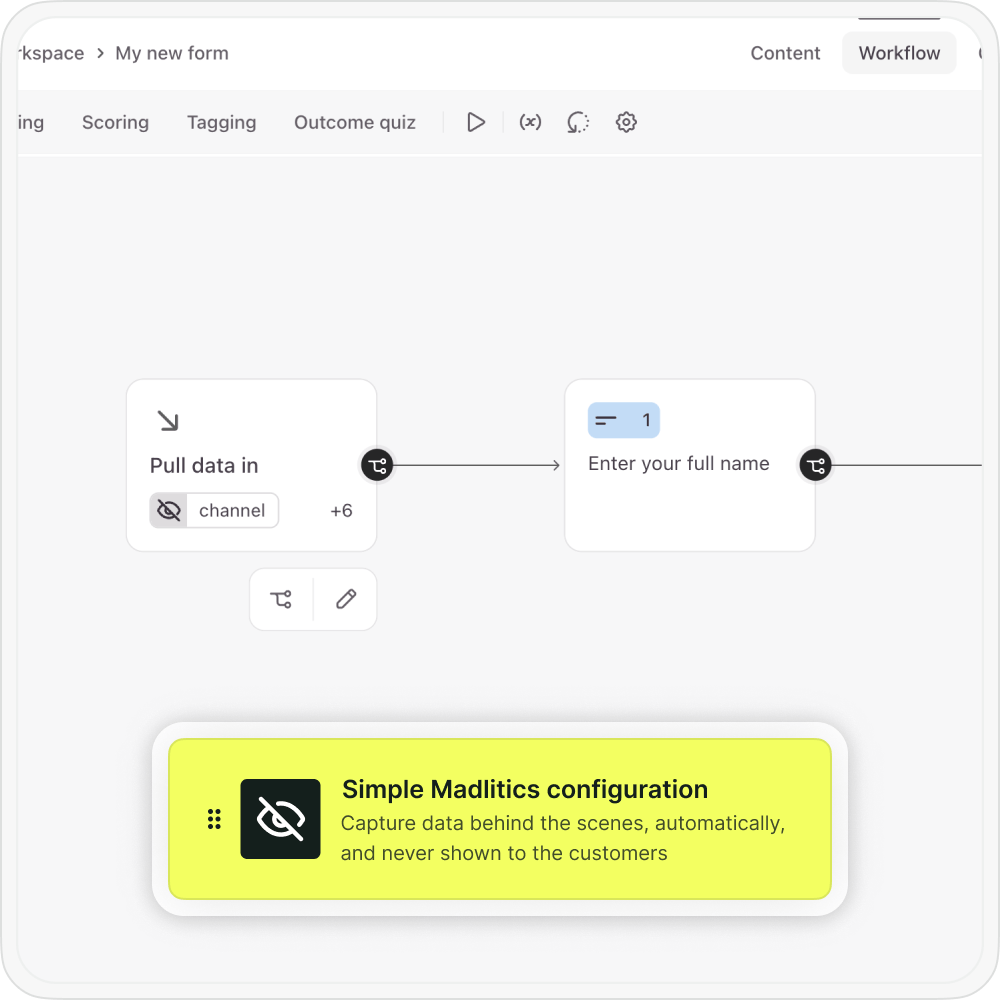
Install Madlitics on the website where visitors arrive and where your Typeform is embedded.
Madlitics captures the original campaign tags and landing page, preserving that context as visitors browse before submitting.
Add the Madlitics Fields as custom URL parameters in Typeform, publish your changes, and embed the form on your website.
Follow the Typeform setup guide for the parameter names. Campaign, audience, and creative details come from your URL tags; a Facebook click ID alone does not populate them.


Map your Typeform attribution parameters to fields in your CRM or reporting tools so campaign context stays with the lead.
Connect those leads to customer and deal records to compare which Meta Ads campaigns, audiences, and creatives generate qualified leads and revenue.
Map Typeform attribution into your CRM and connect leads to customer and deal records. Use your existing reporting tools to compare:
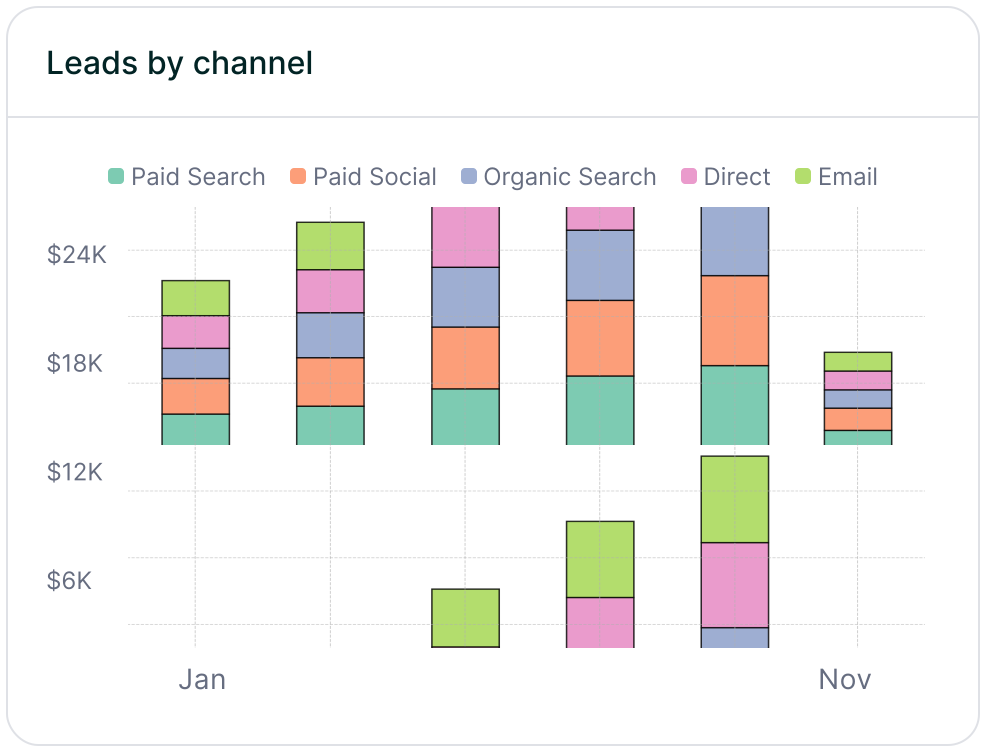
Leads by channel
Compare leads across Paid Social, Paid Search, Organic Search, and other channels to see how Meta Ads contributes to your overall lead generation.
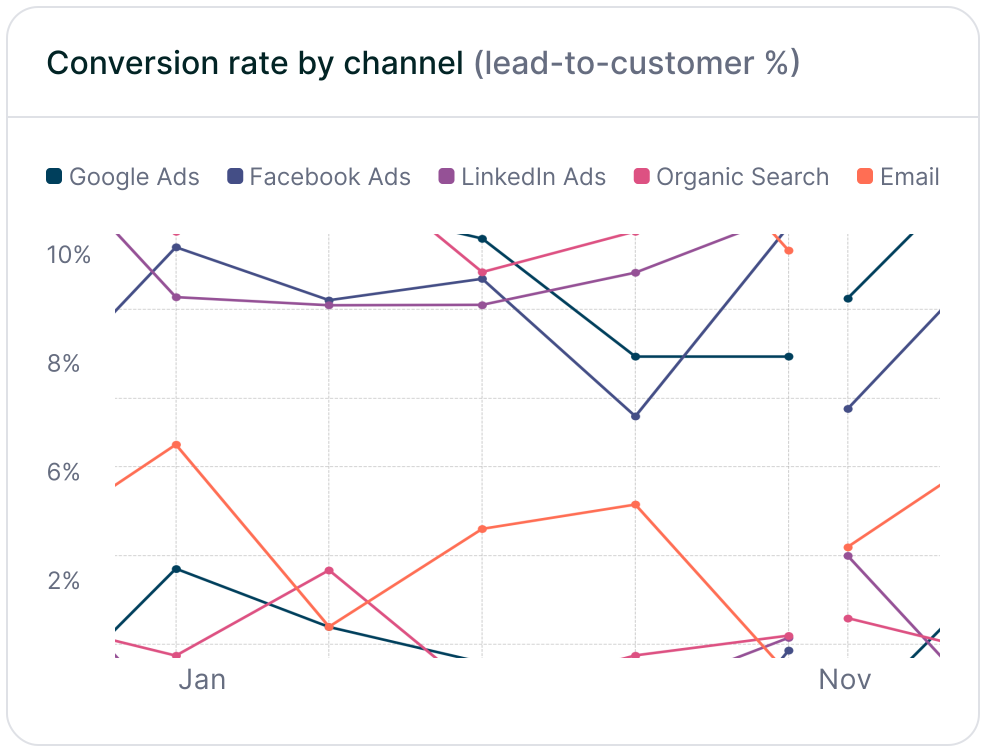
Lead-to-customer conversion
Identify which campaigns turn leads into customers, beyond the number of submissions they generate.
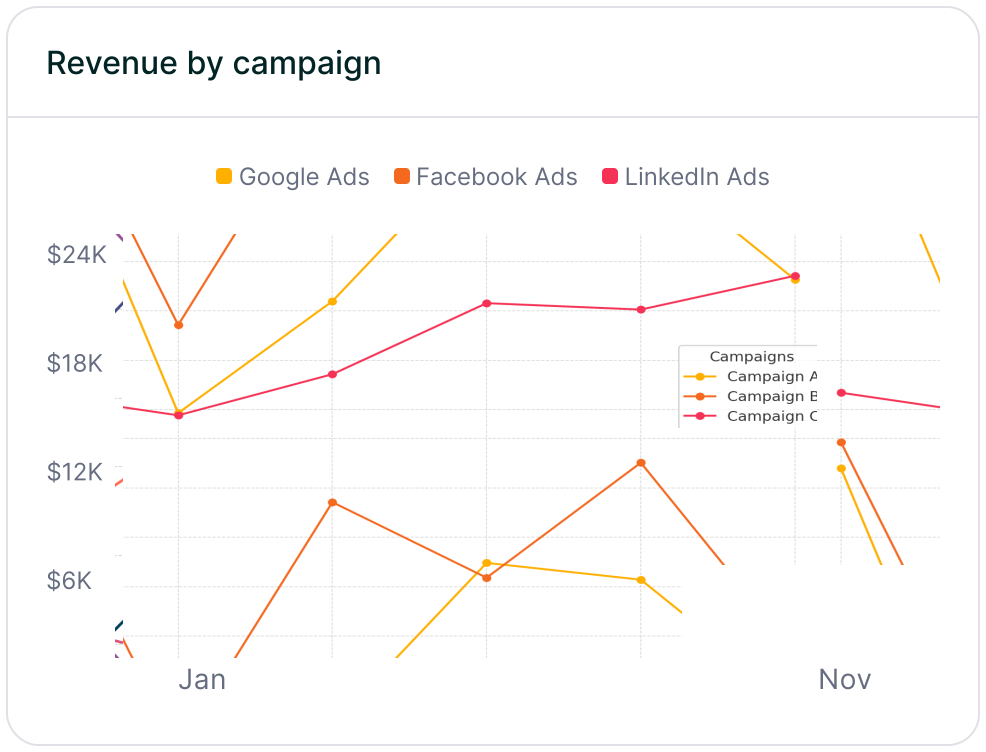
Revenue by campaign
Connect original campaign details to closed deals and revenue. Compare results alongside advertising spend to guide budget decisions.
Keep original campaign, creative, and landing page details with your Typeform responses. Map those fields into your CRM to understand which Facebook and Instagram campaigns generate qualified leads, customers, and revenue.
See which campaigns drive real business results.
Data in your existing tools
Map Typeform attribution into your CRM, spreadsheets, or connected workflows.
Original landing pages
See where Meta Ads visitors first entered your website before submitting.
Attribution across pages
Keep original campaign context as visitors browse before completing your form.
Customer and revenue reporting
Connect attribution to customer and deal records in your CRM to compare business outcomes.
Answers to common questions about Meta Ads tracking with Madlitics and Typeform