Digital Marketing
How to Capture Meta Ads Data in Gravity Forms
Connect original Facebook and Instagram campaign data to your Gravity Forms leads, then follow their progress into customers and revenue inside your CRM.
A potential customer discovers your business through an Instagram ad, explores your website, and returns a few days later to submit an inquiry, but without the original campaign details attached to their Gravity Forms entry, your team loses the connection between that lead and the advertising that introduced them.
Madlitics captures their original attribution, preserves it as they browse and return, and writes it into your configured Gravity Forms fields. Source, campaign segments, original landing page, and available click IDs can then travel alongside their contact details into your CRM.
This guide explains how to capture Meta Ads data from visitors who click through to your website and submit a Gravity Form, helping you compare which Facebook and Instagram campaigns bring qualified leads, customers, and revenue.
Clicks and form submissions don’t tell you which Meta Ads campaigns generate customers. Connecting campaign attribution from Gravity Forms to your CRM reveals how those leads translate into revenue. This example shows how campaign performance changes when you look beyond traffic.
Meta Ads Campaign Performance Based on Traffic Metrics
Based on traffic alone, the Awareness campaign looks strongest: it brings the most visitors at the lowest cost per visit. Connecting those visits to leads, customers, and revenue reveals a different picture.
Meta Ads Campaign Performance Connected to Leads, Customers, and Revenue
The Retargeting campaign generated 17 customers and $126,000 in revenue from $2,600 in ad spend. Awareness brought more visitors and leads, but produced only three customers and $11,000 in revenue.
That translates to approximately $153 in ad spend per customer versus $1,300. Capturing original Meta Ads attribution in Gravity Forms and passing it into your CRM helps you identify those differences and allocate budget using customer outcomes.
Tag your ads, configure Madlitics and Gravity Forms, and receive original Facebook and Instagram campaign attribution alongside each lead.
Add consistent UTM parameters to your Facebook and Instagram ad links. Use them to identify the source, campaign, ad set, and creative details you want to compare in your reports.
Example campaign URL: https://example.com/demo?utm_source=facebook&utm_medium=paid_social&utm_campaign=demo_requests&utm_term=marketing_teams&utm_content=video_a

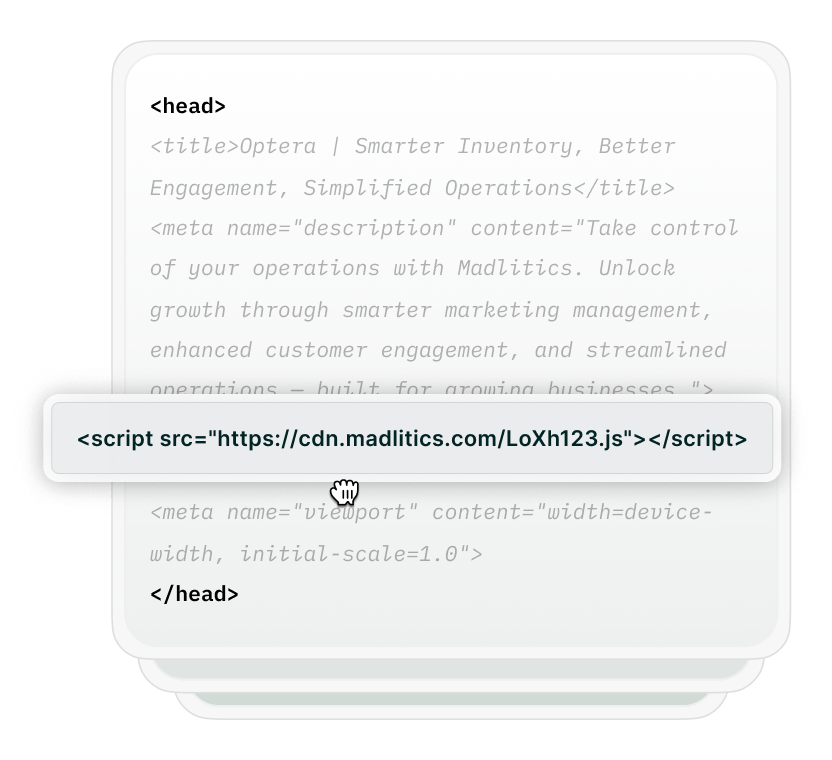
Add the Madlitics script across your website so it captures attribution when visitors first arrive from your ads.
Madlitics preserves the original campaign context as visitors navigate and return, keeping it available when they submit a form on another page.
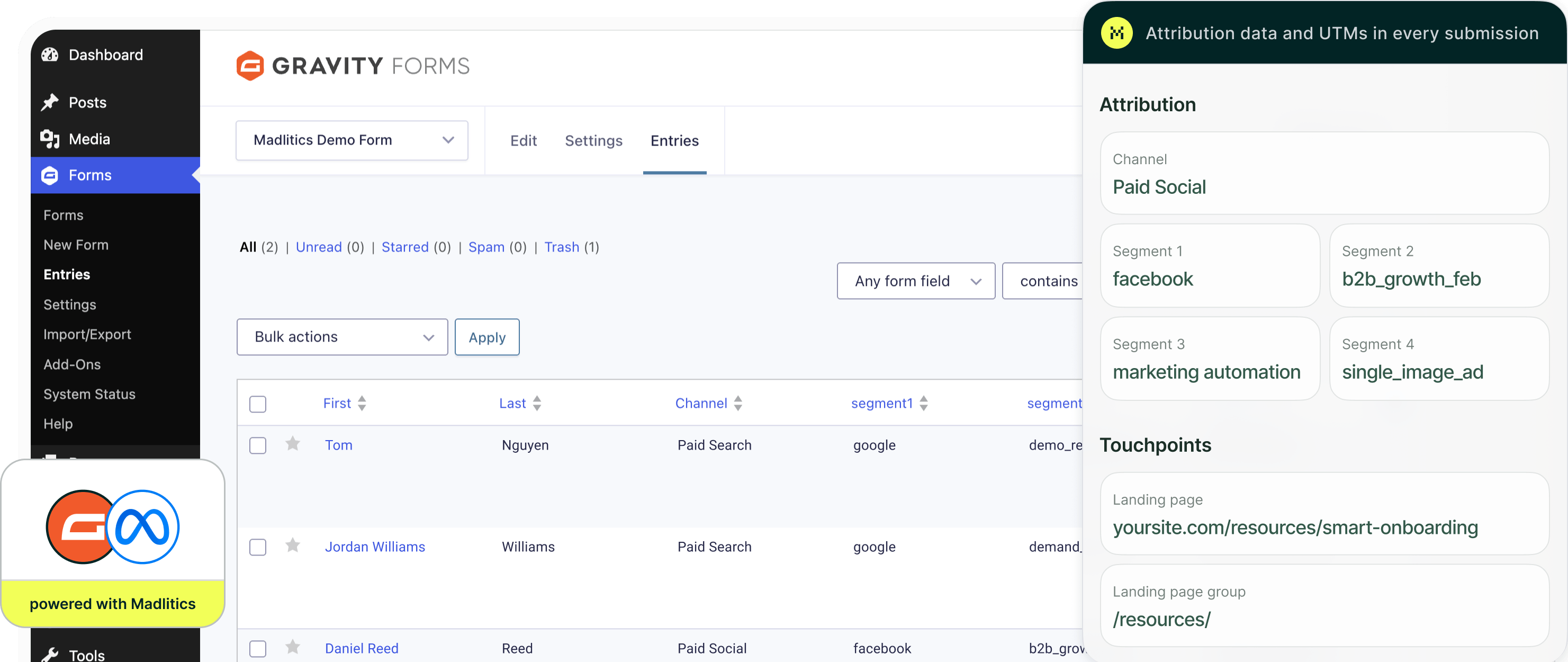
Add the default Madlitics fields in your new or existing Gravity Form, to receive the marketing channel, campaign segments, original landing page, and landing page group without adding questions for visitors to complete.
For tagged campaigns, Segment 1 records utm_source, Segment 2 records utm_campaign, Segment 3 records utm_term, and Segment 4 records utm_content. Configure additional fields if you want to include supported click IDs such as fbclid.
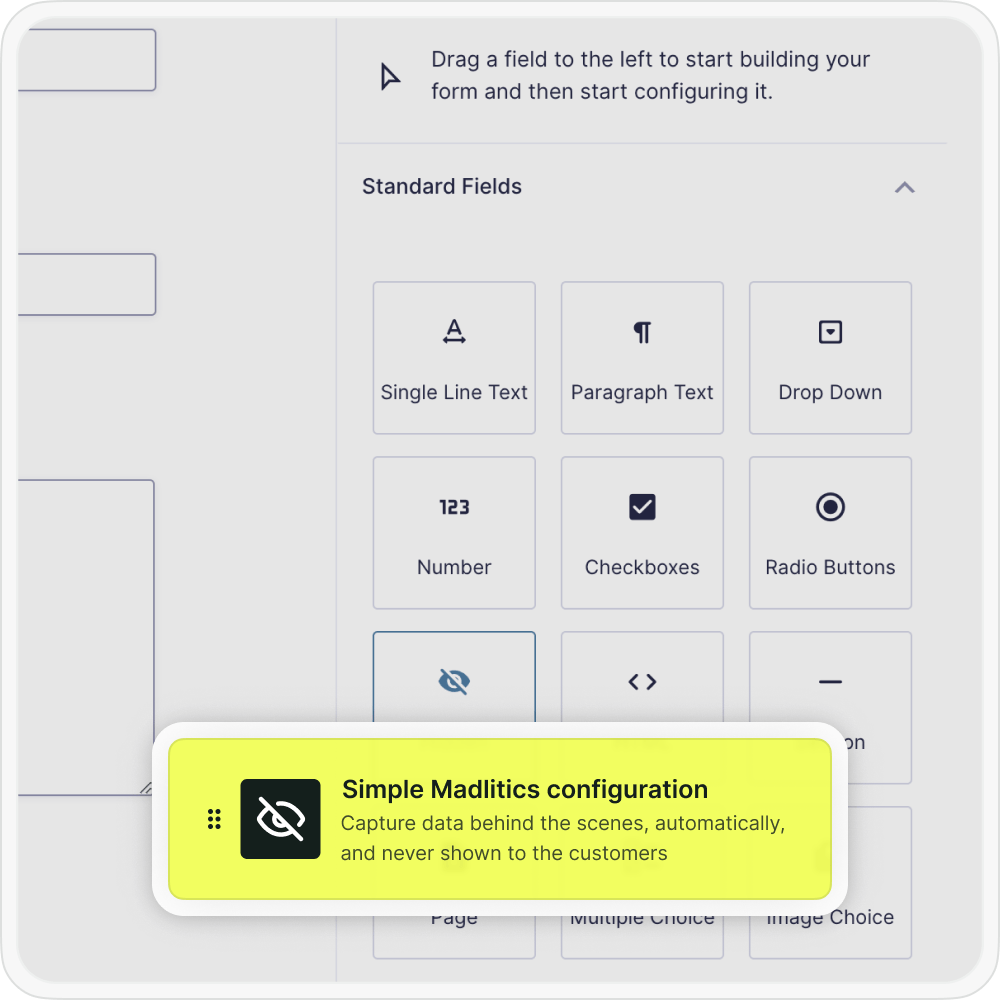
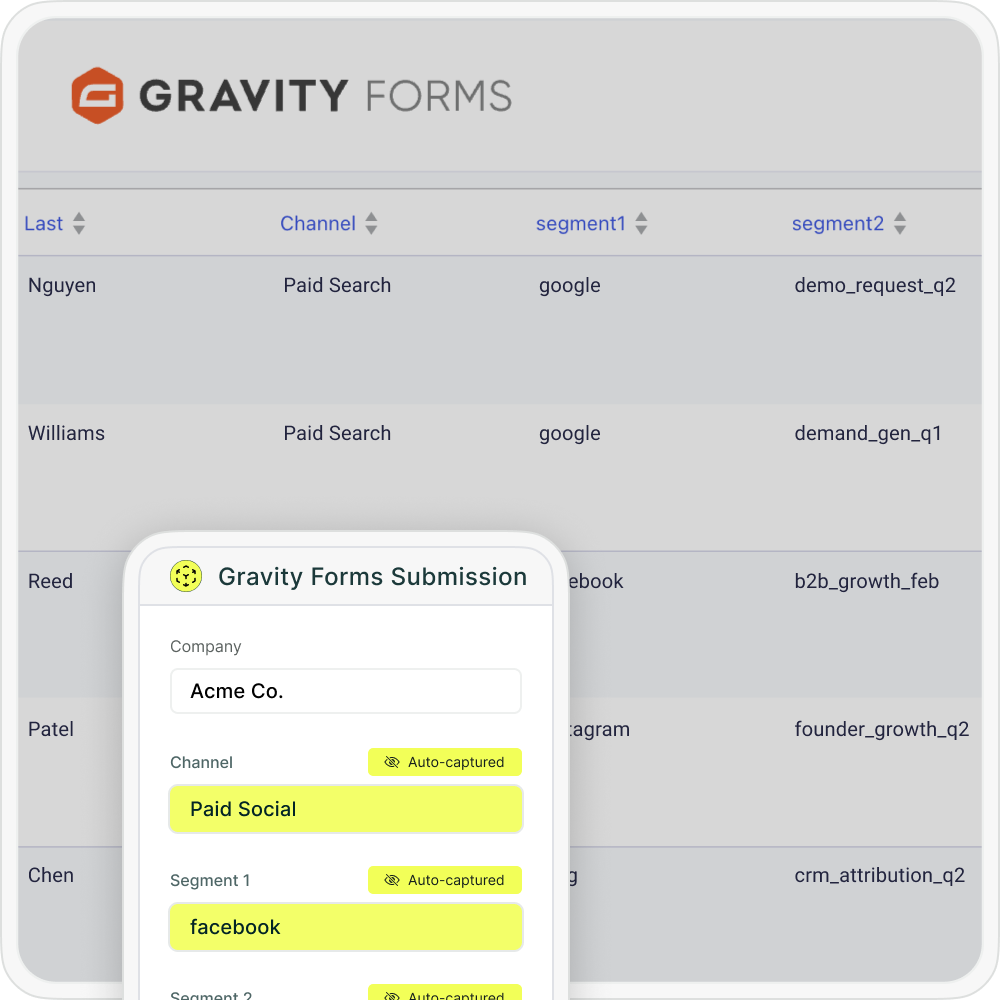
When a visitor submits, Madlitics populates the configured fields with their saved attribution. Open Forms → Entries to see the original campaign details alongside their contact information.
Map those fields into your CRM through your Gravity Forms integration, webhook, or automation workflow. As leads become opportunities and customers, their original campaign attribution remains available for reporting in the connected system.
Connect captured Facebook and Instagram campaign data to your CRM records to compare which campaigns, ad sets, and creatives bring qualified leads, customers, and revenue.
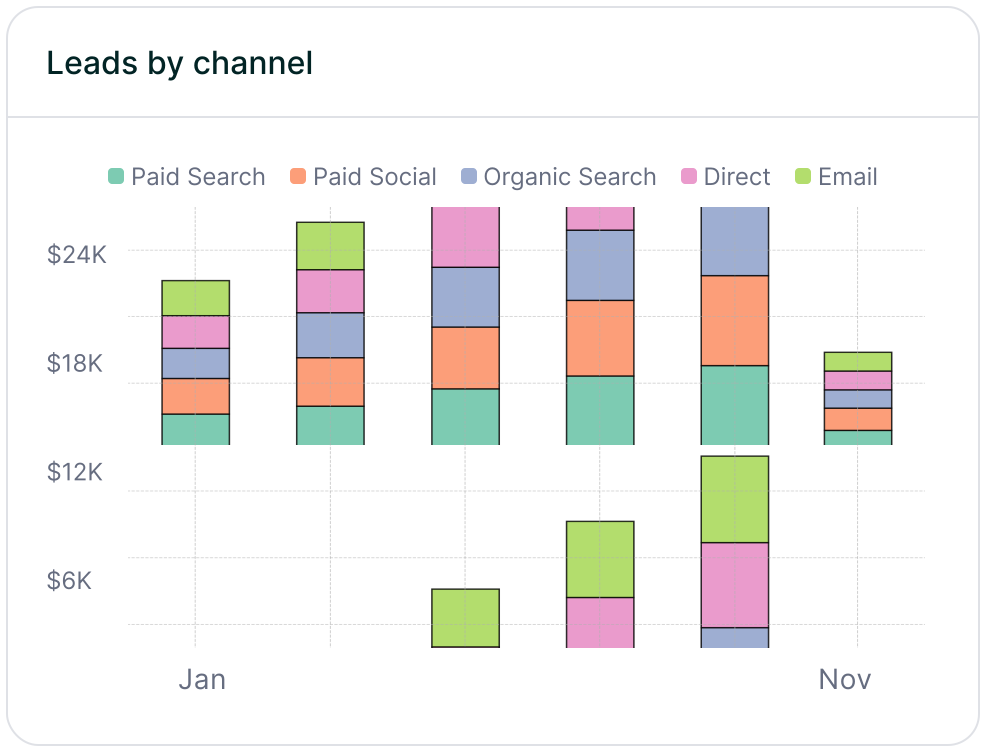
Leads by channel
Compare lead generation across Paid Social (Meta), Paid Search, Organic Search, Email, Referral, and Direct traffic.
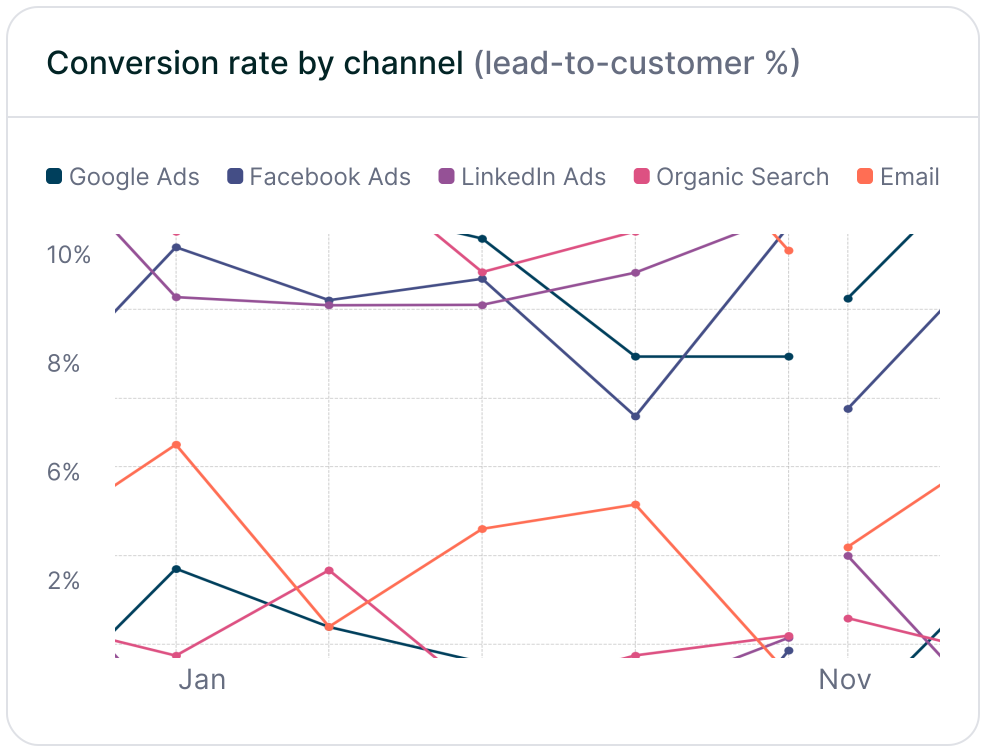
Conversion rate by channel
Measure how effectively Meta Ads traffic converts into customers versus other sources.
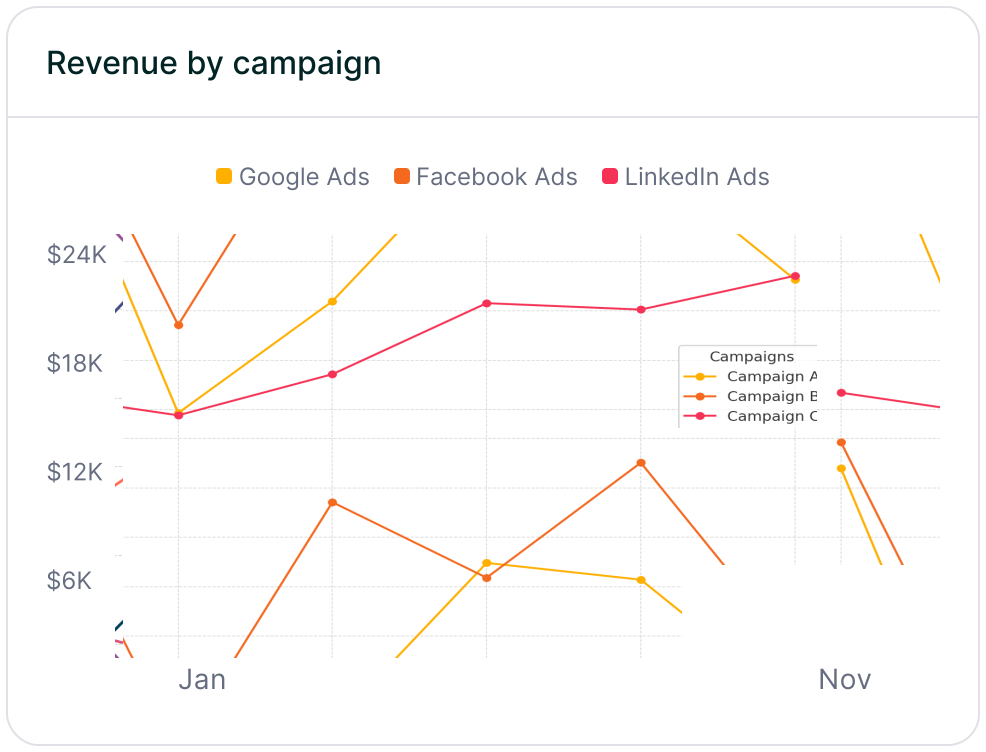
Revenue by campaign
Tie Meta Ads campaigns to closed-won revenue to identify which initiatives are actually driving business growth.
Keep original Facebook and Instagram campaign details alongside your leads, from Gravity Forms submission through to reporting in your CRM.
Follow the Gravity Forms setup guide to configure your fields, or explore UTM tracking in Gravity Forms for parameter mapping and tagging examples.
See which campaigns drive real business results.
Attribute Gravity Forms submissions
See exactly which Meta campaigns, ad sets, and ads drive each new lead or customer in Gravity Forms.
Optimize ads with real outcomes
Use Gravity Forms and Madlitics data to find the campaigns that create pipeline and revenue, not just clicks and form fills.
Send clean data to your stack
Sync Meta data from Gravity Forms into your CRM and marketing tools, match revenue reports with your funnel.
Persistent session data
Preserve Meta attribution, even when visitors click around your site or come back later before submission.
Answers to common questions about Meta Ads tracking with Madlitics and Gravity Forms