Digital Marketing
How to Capture Meta Ads Data in ActiveCampaign
Bring original Facebook and Instagram campaign details into ActiveCampaign alongside contact information, ready for segmentation, automation, and reporting.

Connecting Facebook and Instagram campaign data with ActiveCampaign contacts helps you see which Meta campaigns introduce leads to your business—and which leads become customers.
Madlitics captures available original campaign details, landing page data, and supported click IDs on your website. It preserves that context as visitors browse and return, then populates configured form fields when they submit. Tagged campaign links supply the campaign, ad set, and creative details you want to capture.
Use those values alongside contact, deal, and customer records to compare campaigns through lead quality, pipeline, and revenue. This guide covers Meta ads that send visitors to your website to complete a configured form.
Meta Ads traffic metrics show which campaigns attract visitors. Connecting those campaigns with contact and customer records shows how that activity contributes to business growth.
Meta Ads Campaign Performance Based on Traffic Metrics
The Awareness campaign brings the most visitors at the lowest cost per visit. Customer and revenue data reveals a different view of performance.
Meta Ads Campaign Performance Connected to Leads, Customers, and Revenue
The Retargeting campaign generates 17 customers and $126,000 from 121 leads, compared with three customers and $11,000 from the Awareness campaign’s 201 leads.
Connecting original campaign attribution with customer outcomes helps you identify which Facebook and Instagram campaigns contribute to business growth.
Bring original Facebook and Instagram campaign context into your contact records.
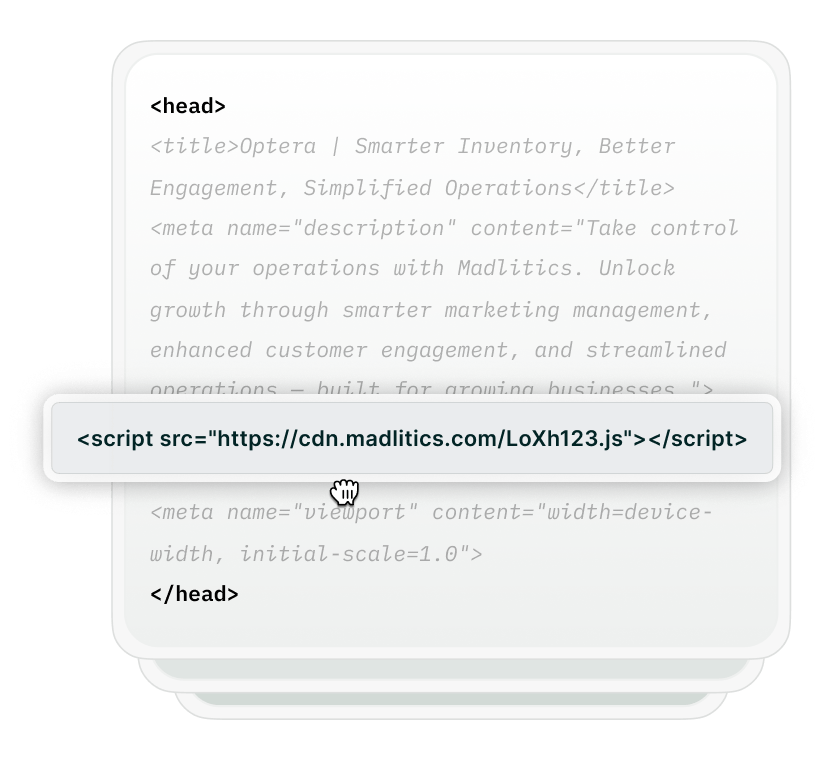
Install Madlitics across your website so it can capture original attribution when visitors arrive from Meta Ads, including on landing pages without a form.

Tag your destination URLs with consistent source, medium, and campaign values. Use utm_term for an ad set and utm_content for a creative variation when you want those details on your contact records.
For example: https://www.yourwebsite.com/demo?utm_source=facebook&utm_medium=paid_social&utm_campaign=lead_gen_q1&utm_term=marketing_teams&utm_content=video_a
This example identifies Facebook as the source, lead_gen_q1 as the campaign, marketing_teams as the ad set, and video_a as the creative variation.
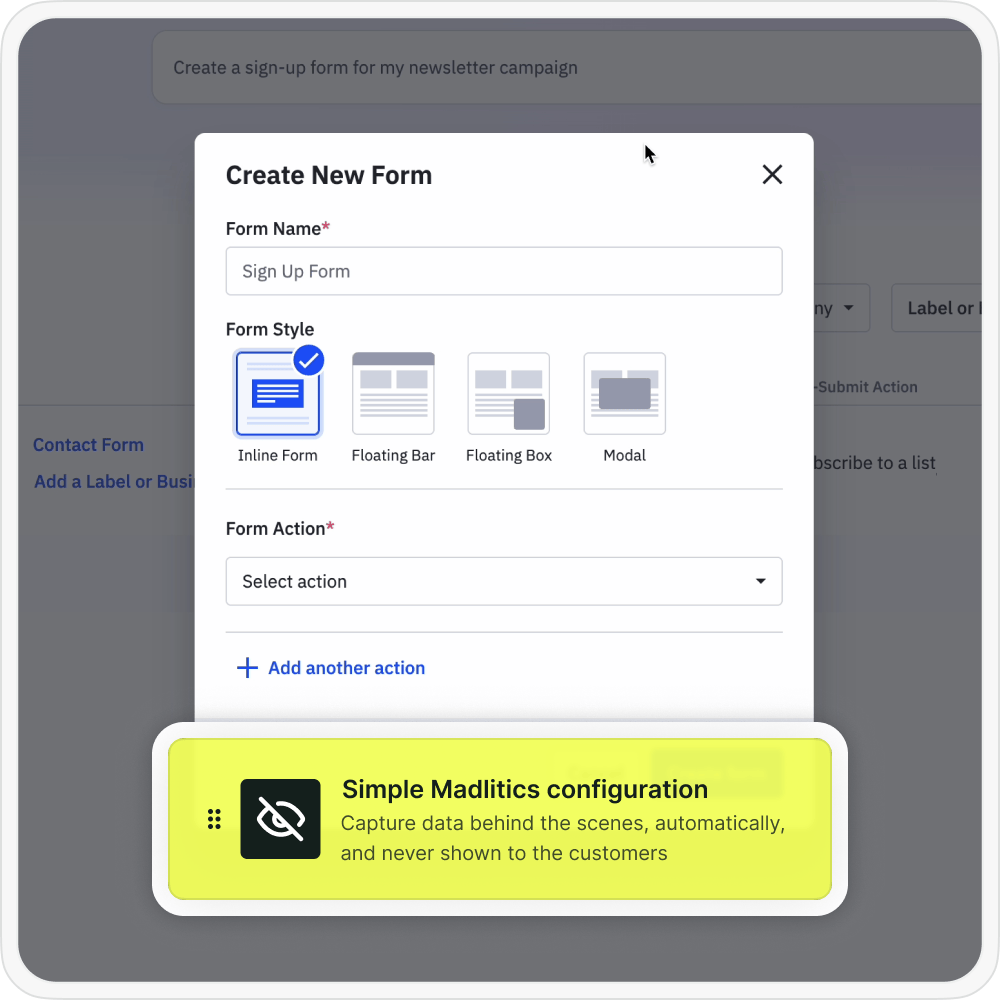
Add hidden contact fields for channel, Segments 1–4, original landing page URL, and landing page group to your inline ActiveCampaign form. Add a corresponding field for fbclid if you want to capture that click identifier when available.
Madlitics populates the configured fields with available saved attribution. When the visitor submits, those values are recorded alongside their contact details.

Open the contact record to view the captured campaign context. Use those fields in supported segments and automations, then combine attribution with associated deal, customer, and revenue records to compare Meta Ads performance.
Use the reporting features available in your account or connected reporting tools. Include campaign spend separately when calculating return on ad spend.
channelsegment1utm_source for tagged campaigns.segment2segment3segment4lplpgutm_medium value helps classify the marketing channel alongside other signals. It is not copied into one of the four standard segment fields.Connect captured Meta Ads attribution with contact and customer outcomes.

Leads by channel
Compare contact acquisition from Paid Social with other captured marketing channels.

Conversion rate by channel
Use customer status alongside captured channel data to compare how often leads become customers.

Revenue by campaign
Connect original Meta campaign values with associated deal or customer revenue in ActiveCampaign or your reporting tools.
Madlitics brings available original Facebook and Instagram campaign details, landing page data, and configured click IDs into ActiveCampaign contact fields through form submissions. View that context alongside contact information, use it in segments and automations, and connect campaigns with qualified leads, customers, and revenue.
See which campaigns drive real business results.
Capture campaign details
Record the Facebook or Instagram source and campaign values supplied through your tracking parameters.
Compare ad sets and creatives
Capture tagged ad set and creative values to compare the contacts associated with different targeting and messaging.
Preserve first-touch attribution
Retain original campaign context as visitors browse and return, while their saved browser attribution remains available.
Landing page insights
Record the original landing page URL and group to compare the entry pages associated with leads and customers.
Answers about capturing Facebook and Instagram attribution in ActiveCampaign.