
Capture full marketing attribution with HubSpot Sites

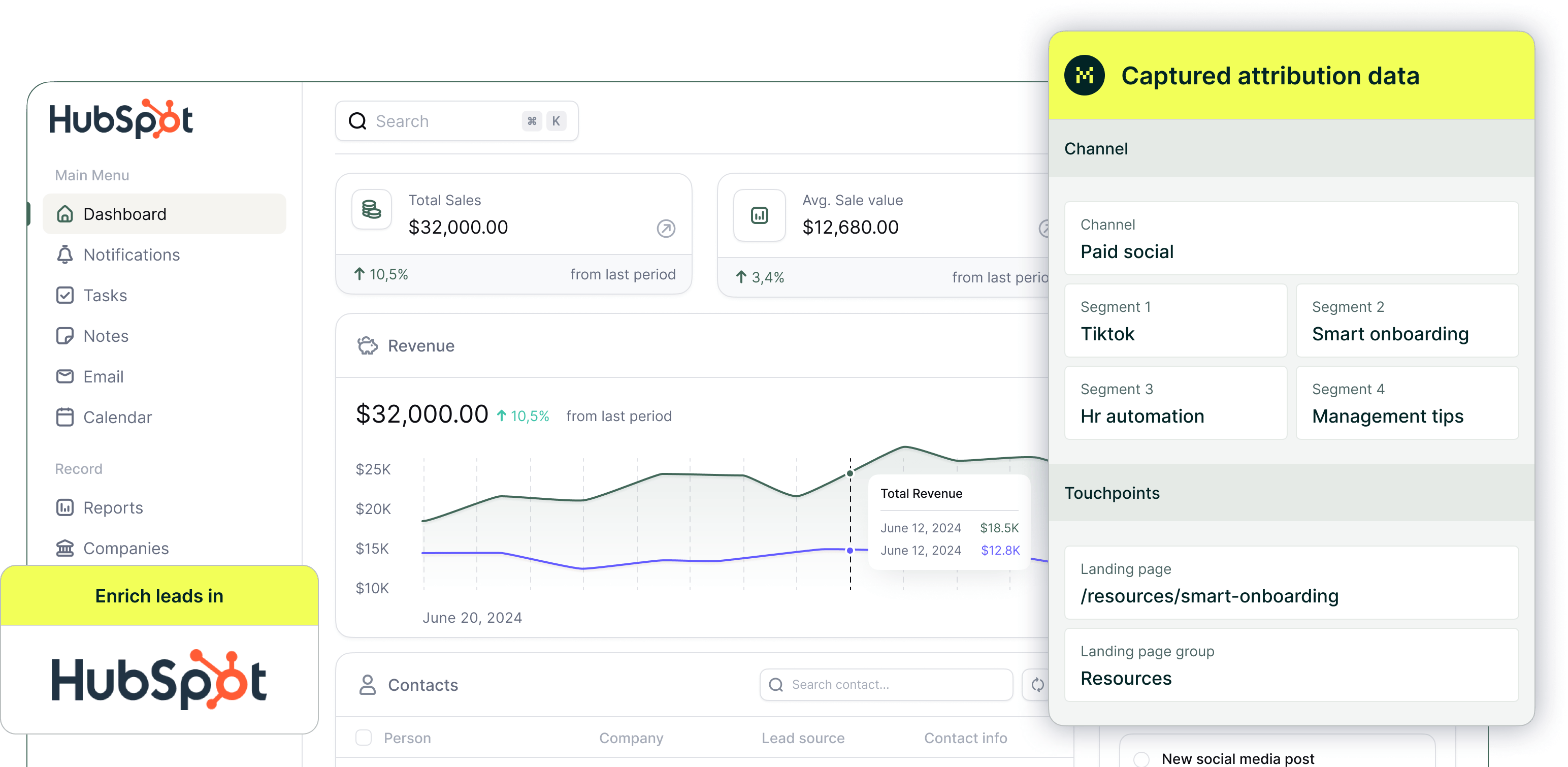
Enrich every submission with UTMs, click IDs, and full marketing attribution, so you can see which marketing channels, campaigns, and landing pages actually drive leads.
Start a free trial

Turn every HubSpot submission into actionable attribution data

Attribution is lost in HubSpot because UTM parameters and source data are only captured if they are present on the exact page where a form is submitted, and they are not automatically preserved as visitors navigate between pages. Madlitics ensures every lead submission is enriched with attribution data, helping you connect marketing efforts to real business growth.
Automated attribution
Get clean, marketing attribution data to see exactly which campaigns and channels drive revenue.
Landing Page Insights
Track the first page a lead visits, helping you understand which content drives conversions and customer interest.
First-Touch Attribution
Capture the original source behind every lead, even when the journey spans multiple pages and return visits.
18 supported channels
Automatically classify leads into 18 acquisition channels, including Display, Email, Organic, Paid, AI, and more.
100% lead coverage
Persistent first-touch data is kept as visitors browse and return, so you don’t lose origin when they finally convert.
Sync with your CRM
Send attribution fields like source, channel, campaign, and landing page into your CRM with every submission.
Seamless CRM enrichment
Prioritize high-intent leads with a complete view of their marketing journey, making outreach more effective.
Smarter reporting
Make smarter budget and strategy decisions by aligning marketing and sales efforts with clear attribution insights.
Workflow efficiency
Optimize campaigns, double down on what works, and confidently scale your marketing efforts with data-driven precision.

How Madlitics works with Hubspot

Seamlessly integrating with your existing setup, Madlitics captures and organizes attribution data automatically. A few easy steps, and your marketing insights are ready to go.
1.
Install and set up Madlitics

Add the Madlitics script to your site's global custom code so it runs on every page. From that point on, every visitor’s source, campaign, and landing page data is automatically captured and attached to lead submissions, giving you a complete view of what drives leads without changing your existing workflow.
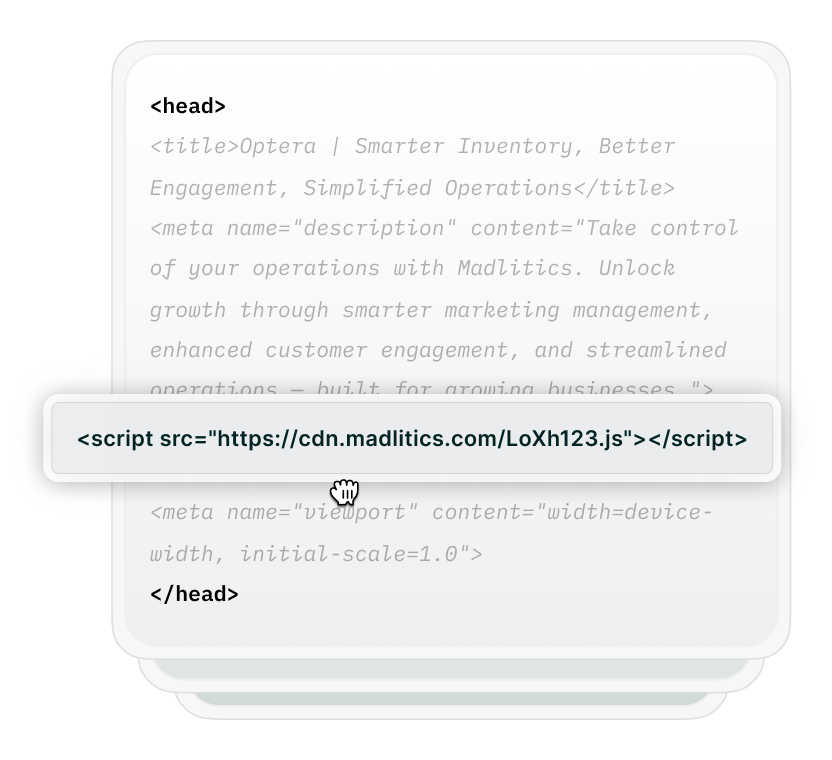

Installing Madlitics
Set up Madlitics
configure forms
2.

Enrich HubSpot sites with UTM parameters and attribution data

Madlitics determines where a visitor came from, whether it’s Paid Search, Organic Social, Referral, Email Marketing, and more. It records key attribution details, such as campaign name, landing page URL, and ad details, ensuring you always have a complete picture of the customer journey.
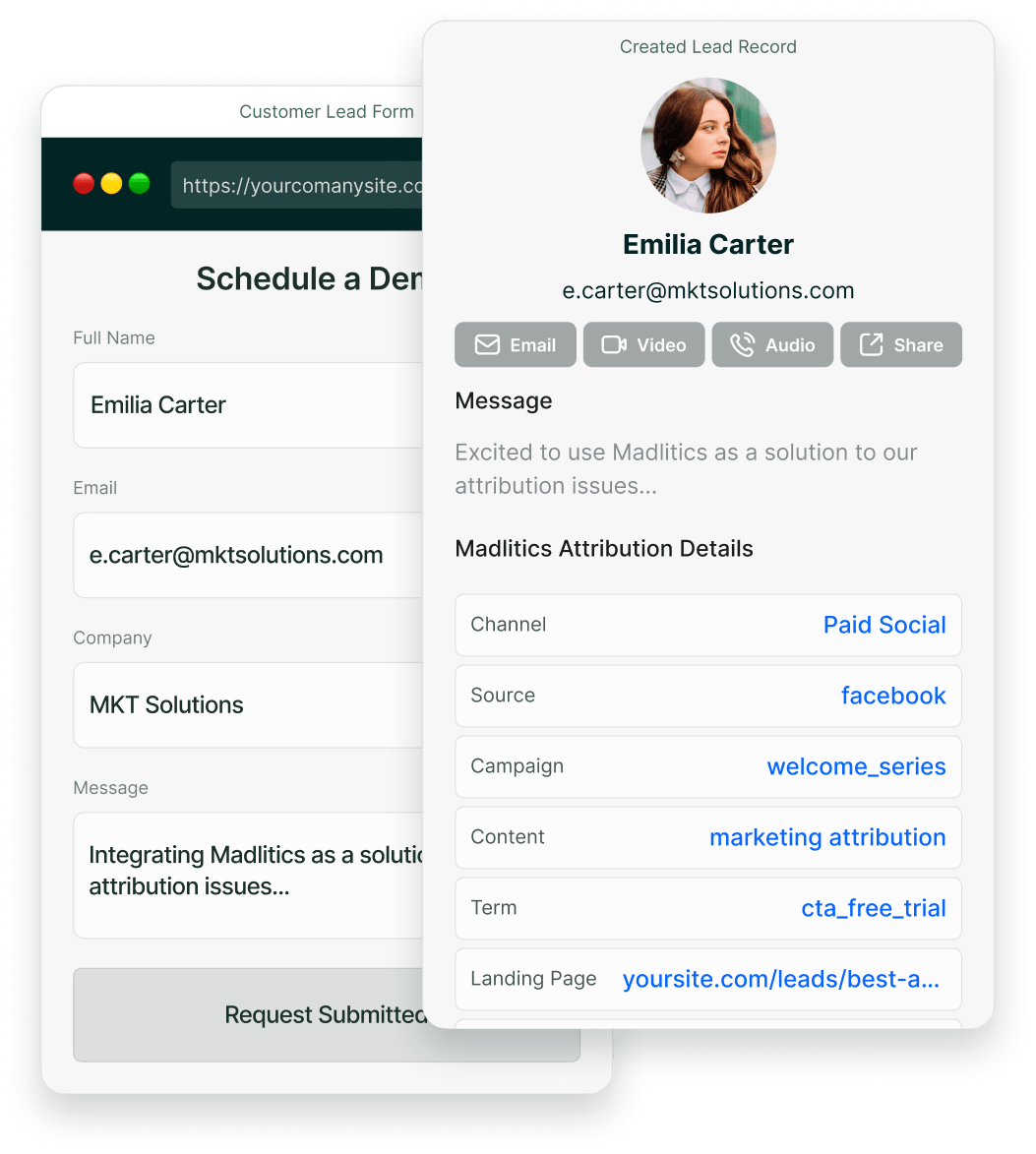
Set up Hubspot sites for attribution
3.
HubSpot receive marketing attribution data for campaign tracking and ROI analysis.
Once a visitor submits a form, Madlitics sends attribution data — including the marketing channel, campaign name, and ad details — directly to Hubspot. Every new lead entry is enriched with structured marketing insights, making it easier for sales teams to prioritize high-quality leads and marketing teams to track ROI.
Explore marketing channels
Captured data syncs with reporting tools
Reporting with Madlitics Img
4.
Uncover what drives conversions and scale what works
Generate reports that show exactly which channels, campaigns, and ads drive leads, customers, and revenue. Stop relying on guesswork — use real data to optimize ad spend, improve targeting, and invest in the strategies that actually convert.

Compatibility with HubSpot Sites

Track and capture lead attribution data effortlessly, with support for third-party form builders, and custom built solutions.
Illustration of Madlitics capturing attribution data from a native form interface.
Seamless Hubspot integration
Madlitics captures attribution data across HubSpot sites and landing pages tying it directly to the lead record.
Illustration of Madlitics integrating with third-party form tools.
Third-party form builders
Using Gravity Forms, WPForms, Typeform, or another form builder? Madlitics captures and writes marketing attribution data seamlessly into Hubspt.
llustration of Madlitics enabling attribution tracking on a fully custom lead form.
Custom lead capture forms
Using a custom form? Madlitics captures attribution data behind the scenes so your reporting stays complete.

Frequently asked questions

Answers to your top questions about our platform

Built for real teams. Backed by real results.

Madlitics is trusted by marketers across industries to help reduce wasted spend and drive smarter growth.